Paginator design: how to build clear, accessible pagination
Learn how to choose and design a paginator that improves navigation, accessibility, mobile usability, loading states, and edge cases. Explore the guide.
By Ajay Khatri ·
TL;DR
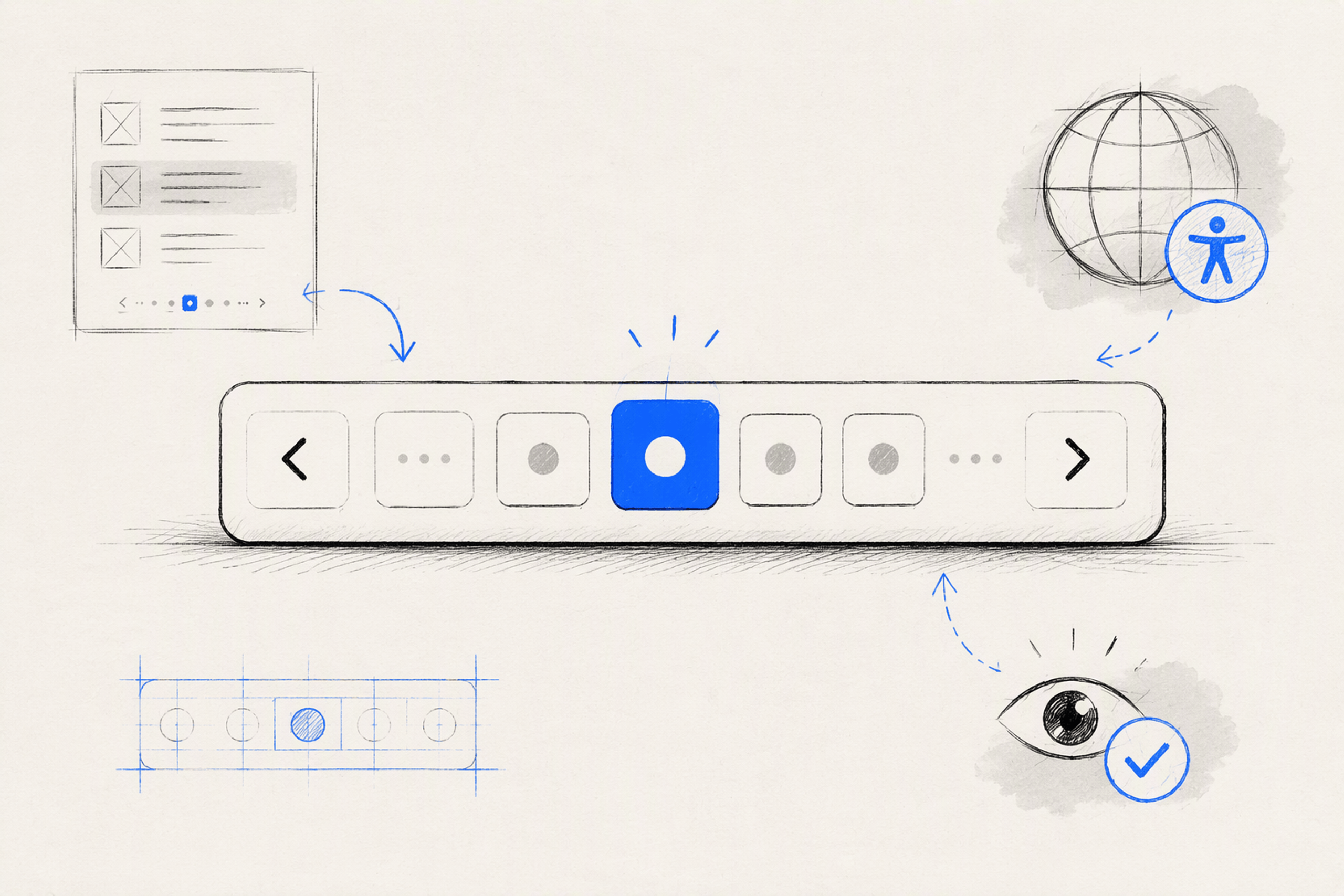
A paginator should help people understand where they are, how much content remains, and what will happen after the next action. We recommend choosing numbered pagination, “Load more,” or infinite scroll based on the user’s task—not visual trends—and designing URLs, accessibility, mobile behavior, loading, and edge cases as one connected system.
Table of Contents
- Paginator meaning: more than a row of page numbers
- Choose numbered pagination, “Load more,” or infinite scroll
- Match the paginator to the product context
- Design the anatomy of a clear paginator
- Make mobile pagination compact, not cramped
- Build accessibility into every page change
- Preserve filters, URLs, history, and position
- Specify edge cases before they become UX debt
- Turn the paginator into a reusable, testable system
- FAQ
- Build a paginator that supports the whole journey
A user filters 400 results, reaches page six, opens an item, and selects Back—only to return to page one with every filter gone. That is not a minor component bug. It is a broken product journey.
Most paginator guidance focuses on APIs, framework properties, or splitting data into pages. We take a broader view: the paginator is a product system spanning interaction design, interface craft, frontend state, accessibility, and recovery.
Paginator meaning: more than a row of page numbers
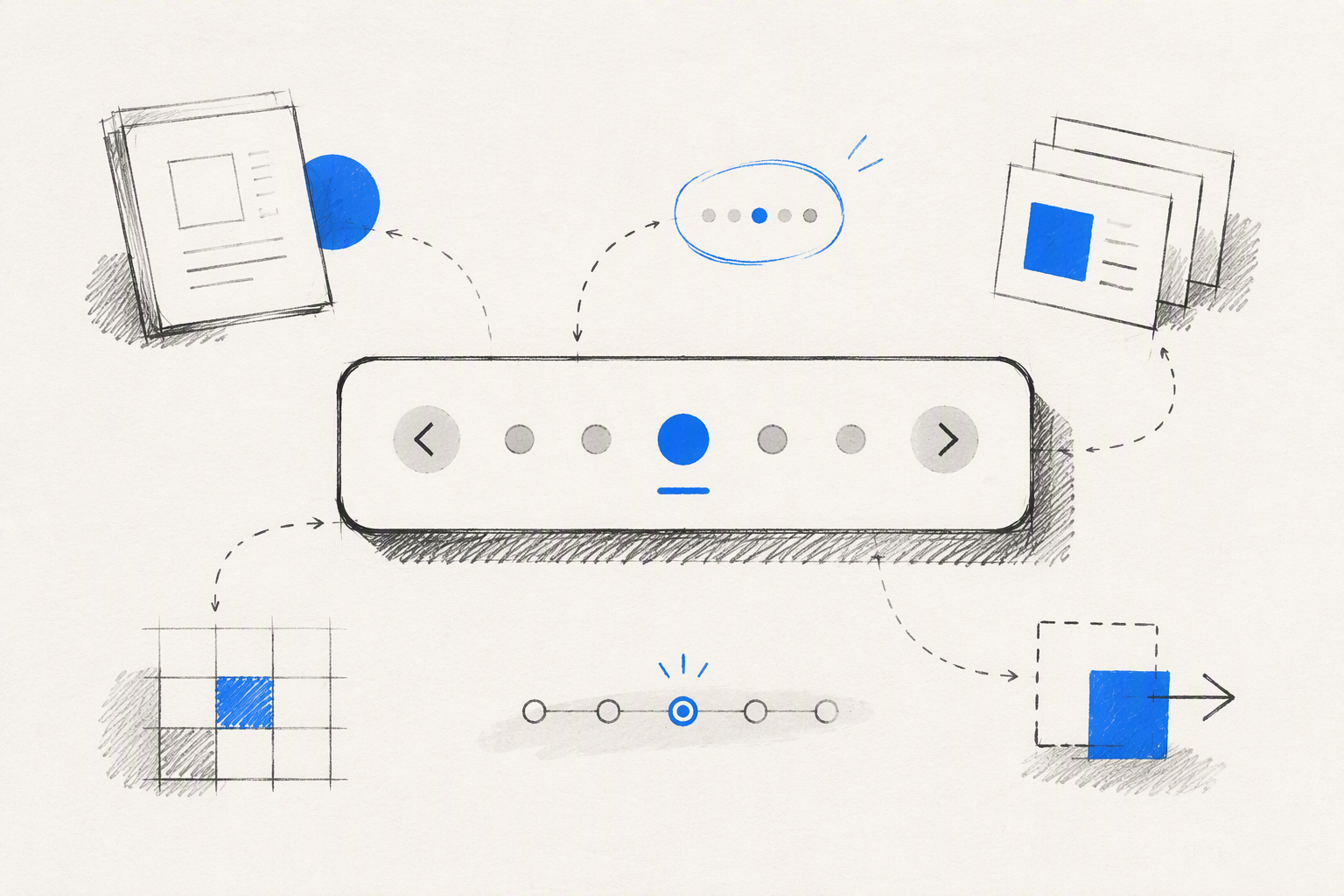
A paginator is an interface component that divides a long result set into navigable pages. A familiar pagination example is Previous 1 2 3 … 12 Next beneath a product listing.
Pagination is the overall process or interaction pattern. The paginator—also called a pager—is the control people use to move between those pages.
Backend tools use pagination to retrieve large datasets in smaller portions. AWS documentation, for example, describes paginators as an abstraction for iterating through incomplete API responses, while Django’s paginator divides collections into individual page objects. Our focus is the customer-facing digital experience built on top of that logic.
A successful paginator answers three questions immediately:
- Where am I?
- How much content remains?
- What will happen when I navigate?
That clarity is part of build-ready product design, not a decorative finishing touch. Our buyer’s guide to UI/UX design services explains why interaction rules, states, and implementation details should be resolved before handoff.
What is an example of pagination?
Consider search results showing 20 items at a time from a larger collection. The first page displays items 1–20, the second displays 21–40, and the paginator lets people move through the remaining pages.
The page control cannot work in isolation. The query, active filters, sorting method, total result count, and current page collectively define what the user is viewing.
A clear interface might show:
41–60 of 126 results- Active filters and the selected sorting option
Previous 1 2 3 4 … 7 Next- Page 3 as the visually and semantically active page
If a filter changes the available results, the product must recalculate the valid pages rather than leaving the user on an empty page six.
Is a paginator the same as pagination or a pager?
Not exactly. Pagination is the pattern of dividing content into discrete pages, while a paginator is the interface or software object that controls movement through them.
“Pager” and “paginator” are often interchangeable in UI conversations. In other contexts, paginator may describe a framework object, an API iteration mechanism, a publishing role, or a page-numbering tool.
The distinction matters when writing requirements. “Add pagination” is vague; “build a responsive paginator that preserves filters, updates the URL, announces results, and supports Back navigation” is testable.
Choose numbered pagination, “Load more,” or infinite scroll
Infinite scroll is not the modern replacement for pagination. For many goal-driven products, numbered pages remain faster to understand, easier to revisit, and easier to trust.
We choose the pattern around the task:
- Numbered pagination: Best for finite, comparison-heavy, resumable, and shareable journeys.
- Load more: Strong for controlled exploration where retaining already viewed items matters.
- Infinite scroll: Suitable for genuinely continuous discovery where direct jumps, the footer, and precise return positions are unimportant.
Infinite scroll is often a product-metrics decision presented as a UX improvement. It can increase content exposure, but it can also remove orientation, make completion impossible, and complicate recovery.
Selecting the right interaction is part of deciding what kind of design ownership a product needs. Our comparison of a freelance content designer and an end-to-end product designer shows why cross-functional journeys need more than isolated screen styling.
When visible page numbers improve the experience
Visible page numbers establish finite scope. They help people estimate effort, jump to a known area, compare items across pages, and recover after opening a detail view.
They do not need to look dated. A compact range around the active page can provide structure without displaying every possible number:
Previous 1 … 7 8 9 … 24 Next
The range should remain stable as the user moves. Constantly shifting widths and control positions make navigation harder to predict.
First and last actions can help when the result set is large and those destinations are meaningful. For a five-page list, they usually add noise.
When scrolling is the wrong default
Continuous scrolling becomes frustrating when people need to compare options, share a specific state, reach a footer, or return to an earlier position. It also creates harder problems around browser history, focus management, result announcements, and content restoration.
Scrolling is especially weak when new content silently appears without accessible feedback. Keyboard and screen-reader users may not know what changed or where the new items begin.
Repeated deep browsing can also reveal a larger product problem. Weak ranking, poor search relevance, limited filters, or unclear information architecture will not be fixed by replacing page numbers with an endless feed.
Match the paginator to the product context
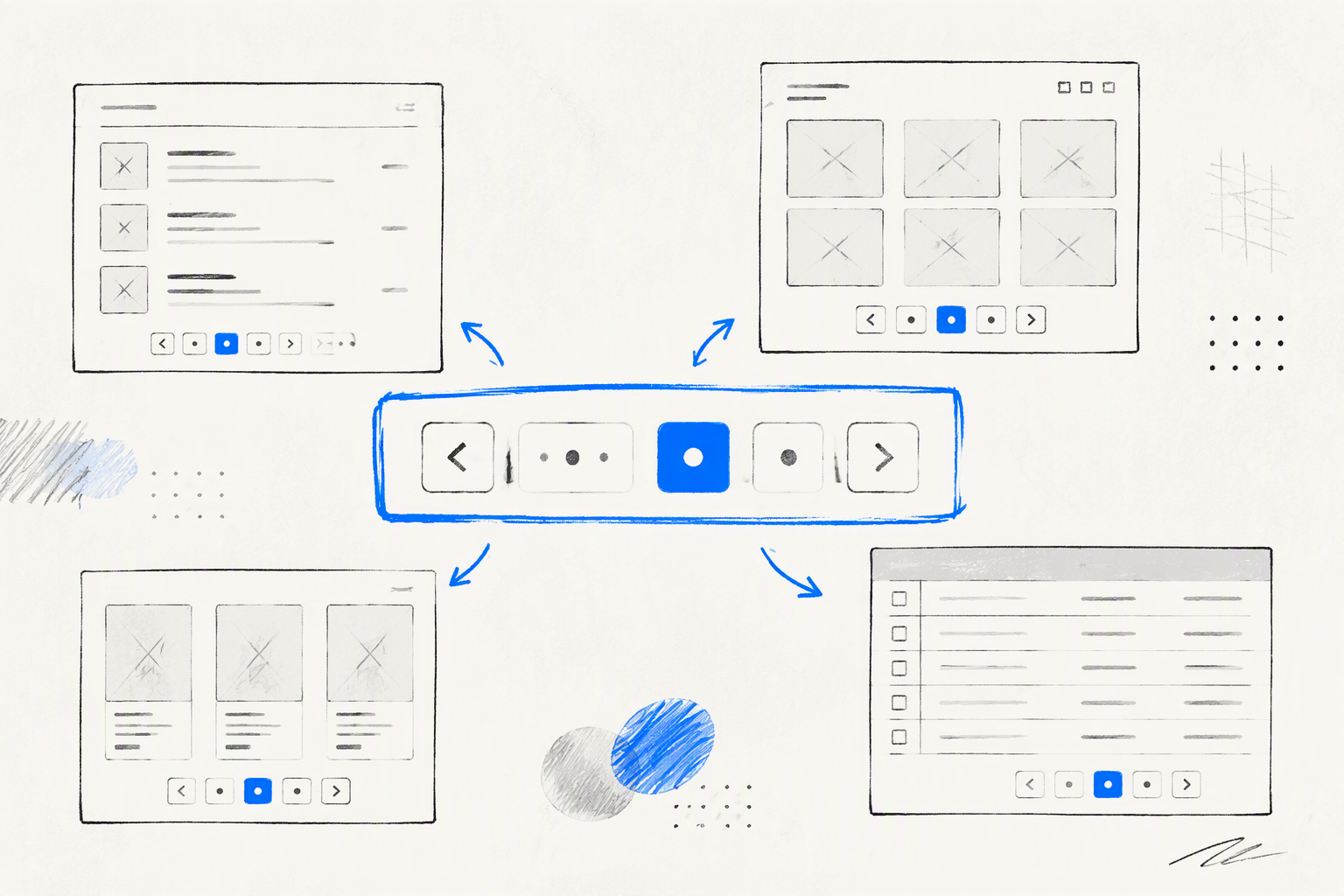
One paginator layout should not be pasted across every interface. The right control density, metadata, and navigation model depend on what people are deciding.
Total result counts are valuable when users need to understand scope or compare subsets. They may be unavailable, slow to calculate, or unstable in large, rapidly changing datasets, so the interface should not promise a precise total the system cannot reliably provide.
Search results and ecommerce listings
Search and ecommerce journeys benefit from compact numbered ranges, visible result counts, and persistent state. The URL should retain the query, filters, sorting method, page, and relevant page-size setting.
Browser Back should return shoppers to the expected list state and position. Resetting filters or returning them to the first page makes comparison feel unreliable.
For example, a product-list URL might represent:
- Search term
- Category and price filters
- Sort order
- Current page
- Items per page
That state creates a result set people can refresh, bookmark, and share. It also gives design and engineering a common definition of what “return to results” means.
Data tables and admin tools
Data table pagination often needs more operational detail: previous and next controls, the visible row range, total rows, and a page-size selector. These controls should support the task without turning the footer into a control panel.
The specification must define what happens when filtering or deletion invalidates the current page. If the last record on page six is removed, we usually move to the nearest valid page and communicate the updated state.
A page-size change should preserve the user’s approximate location. If someone is viewing rows 41–60 and changes the size, the recalculated page should keep that region in view where technically possible.
Galleries and discovery feeds
A visual gallery may not benefit from direct page jumps. “Load more” can work better when exploration matters more than reaching page 12.
The loaded items and scroll position should survive a visit to a detail view. Returning to a collapsed gallery forces people to repeat their browsing and makes the apparently simple interaction feel unfinished.
This is where connected design and implementation ownership matters. A freelance product design workflow should carry the concept through state behavior, prototypes, component rules, and shipped frontend details.
Design the anatomy of a clear paginator
A pagination component may include:
- Previous and next actions
- First and last actions
- Numbered page links
- Ellipses
- Current-page status
- Result count or visible range
- Page-size selector
Every element needs a reason to exist. Showing every page number does not create transparency; it usually creates visual noise.
We recommend a stable range around the active page with predictable boundary rules. Visual hierarchy should distinguish primary navigation, nearby destinations, current state, and supporting metadata without decorative complexity.
Previous and next actions deserve clear labels. Arrow icons can support those labels, but relying on unexplained icons makes the component harder to scan and localize.
Page ranges and ellipses
An ellipsis indicates that pages have been omitted from the visible range. It should not behave like a control unless the interface gives it an explicit action, such as opening a page-jump input.
Keep the active page and nearby destinations visible. Near the first or last page, shift the range rather than reducing it unpredictably.
A consistent structure might preserve:
- The first page
- The current page and nearby pages
- The last page
- Ellipses between separated ranges
- Previous and next controls
The exact range matters less than predictable behavior across first, middle, and last-page states.
Result counts and page-size controls
A label such as 41–60 of 126 communicates both position and scope. It is more useful than displaying “Page 3” alone when users care about specific records.
Page-size controls should appear only when changing density supports the task. They are useful in data-heavy tools but often unnecessary in a simple article archive.
Changing page size must trigger a defined recalculation. We aim to preserve the user’s approximate place instead of blindly resetting the experience to page one.
Make mobile pagination compact, not cramped
Responsive pagination should remove nonessential density, not shrink text and tap targets until the component technically fits. Previous and next actions plus a concise Page 4 of 18 indicator often provide the strongest mobile foundation.
Interactive targets should generally be at least 44 by 44 CSS pixels or meet the applicable product accessibility standard. Spacing must also prevent adjacent actions from being activated accidentally.
Avoid wrapping controls into an order that becomes confusing visually or through keyboard focus. We test long localized labels, increased text size, narrow screens, and result sets with multi-digit page counts.
A responsive control hierarchy
Essential navigation must remain available at every breakpoint. We prioritize:
- Previous and next actions
- Current position
- Nearby page numbers
- First and last actions
- Total count and page size
Secondary information can move to another row, but it should remain associated with the results and navigation context. Moving “items per page” into a distant settings area creates unnecessary separation.
A desktop row of seven page numbers may become three numbers on a tablet and a position label on mobile. That is progressive reduction, not a different interaction model.
Mobile states worth prototyping
A single ideal-state mockup is not enough. We prototype:
- First page
- Middle page
- Last page
- Loading
- Request failure
- Single-page results
- Empty results
- Multi-digit current and total pages
- Large-text and zoomed layouts
Thumb reach, spacing, focus visibility, label length, and layout stability should be evaluated together. These details help distinguish intentional UI craft from a generic component dropped into the interface.
Build accessibility into every page change
Accessible pagination starts with structure. Place the component inside a labeled navigation landmark, such as Results pages, so assistive technology users can identify its purpose.
Numbered links need specific accessible names such as “Go to page 4.” The current page should use aria-current="page" and a visible state that does not rely on color alone.
Unavailable previous or next actions must remain understandable on boundary pages. Whether they are hidden or disabled, the behavior should be consistent and should not leave unexplained gaps.
Keyboard and screen-reader behavior
The paginator needs logical tab order, visible focus treatment, and native interactive elements wherever possible. Visual order, DOM order, and focus order should agree.
Focus behavior after navigation depends on the interaction model. A full page load may naturally focus the document, while dynamically replaced results may require moving focus to a meaningful results heading or leaving focus on the activated control and announcing the update.
We avoid unexpected jumps. The objective is to make the new content discoverable without taking control away from the user.
Loading and result announcements
Loading status should be exposed programmatically, and repeated requests should be prevented while an update is running. That does not mean disabling the entire page.
A restrained live-region update might say:
Page 3 loaded, showing results 41 to 60 of 126.
The announcement confirms completion, position, and scope without reading the entire paginator again. Error messaging should be similarly focused and include a clear recovery action.
Preserve filters, URLs, history, and position
URL behavior is part of paginator design. It is not a backend detail to resolve after the interface has been approved.
Stable URLs allow people to refresh, bookmark, share, and return to a result set. Navigation should preserve applicable search terms, filters, sorting, page size, and current position.
The interaction specification should also define whether a page change:
- Moves focus to the results heading
- Keeps the paginator in view
- Returns to the top of the result region
- Restores a previously saved scroll position
Stable containers, placeholders, and reserved space can prevent distracting layout shifts while results load.
Deep links and browser navigation
Refresh, Back, and Forward should restore the expected result state. That includes the selected filters, sort order, current page, loaded content, and position where appropriate.
Invalid or out-of-range page URLs need canonical handling. Depending on the product, we may redirect to the nearest valid page, show a useful empty state, or explain that the requested page no longer exists.
These requirements should appear in the design specification and contract scope. Our contract product designer hiring guide outlines why teams should evaluate delivery ownership, implementation thinking, and edge-case coverage—not only polished screens.
Offset-based versus cursor-based pagination
Offset-based pagination supports numbered pages, direct jumps, and visible totals. However, records may shift between pages when the underlying dataset changes.
Cursor-based pagination continues from a known record or token. It suits large or frequently changing datasets but may limit direct page jumps and make a total page count unavailable.
The technical choice produces user-facing consequences:
- Can people jump directly to page 12?
- Can the product show a reliable total?
- Will items move as records are added or removed?
- Can a URL restore the same view?
- Does “Previous” behave reliably?
We resolve those questions before choosing the visible paginator pattern.
Specify edge cases before they become UX debt
A complete paginator specification covers first-page, last-page, single-page, empty, loading, error, disabled, and invalid-page states. It also defines behavior after filtering, deletion, data refresh, and page-size changes.
When only one page exists, we usually suppress the navigation controls unless associated metadata remains useful. Showing disabled controls for a journey that cannot continue adds clutter.
Unavailable boundary actions and temporarily disabled loading actions should not look identical. One communicates that no destination exists; the other communicates that an action will become available again.
Recovery without dead ends
A failed page request should provide a retry action while preserving the current results where possible. Replacing useful content with a blank panel makes a temporary request problem feel destructive.
If a saved link points beyond the available pages, we move to a valid state or explain what changed. Filters that reduce six pages to two should not leave the user stranded on an empty page six.
Deleted records require similar care. The interface should choose the nearest valid page, update the count, and provide restrained feedback.
Loading without layout shift
The content region should maintain spatial continuity while the next page loads. Skeletons, placeholders, or reserved minimum heights can reduce sudden movement.
We avoid collapsing the result area, flashing the top of the page, or removing every existing item before the replacement is ready. Loading feedback should signal progress without making the interface feel unstable.
Turn the paginator into a reusable, testable system
A reusable paginator needs more than a component screenshot. We define properties for:
- Current page or cursor
- Page count
- Page size
- Result count
- Loading and error states
- Accessible labels
- Navigation callbacks
- URL and history behavior
The system should include tokens for spacing, target size, focus, hover, pressed, active, and disabled states. Responsive rules, localization limits, analytics events, and public-search requirements belong in the same specification.
For crawlable public listings, paginated destinations should use discoverable links and expose content without depending entirely on client-side interaction. The exact SEO implementation depends on the site architecture, but it should be decided alongside navigation—not retrofitted later.
At amajaying.com, we align UX logic, scroll-stopping UI craft, and frontend execution in one impact-driven system. That hybrid perspective closes the gap between a convincing prototype and a component that survives real data.
Frontend acceptance criteria
Useful acceptance criteria include:
- Page changes preserve the applicable query, filters, sorting, and page-size state.
- The active page exposes correct current-page semantics.
- Every interactive element has visible keyboard focus.
- Status updates are available to assistive technology.
- Touch targets meet the defined product standard.
- Back, Forward, refresh, and deep links restore expected state.
- First, last, loading, empty, invalid, and error states behave correctly.
- Filtering or deletion cannot trap users on an invalid page.
- Public paginated content remains discoverable where required.
These checks should be agreed before implementation begins. Teams assessing design partners can use a broader product design freelance hiring checklist to verify process, ownership, handoff quality, and frontend awareness.
When the paginator is not the real problem
If users repeatedly travel deep into results, inspect ranking, filtering, search relevance, and information architecture. The paginator may simply be exposing how difficult it is to find the right content.
Component polish still matters. Clear navigation reduces friction, but it cannot compensate for poorly structured information or irrelevant results.
We treat deep-page behavior as a product signal. The strongest solution may combine better filters, smarter ranking, clearer result summaries, and a more focused paginator.
FAQ
What does “pagination” mean?
Pagination means dividing a long collection of content or data into smaller, discrete pages. In a digital product, the paginator is the interface used to move between those pages. The complete pattern also includes state management, URLs, loading behavior, accessibility, result counts, and recovery when a requested page is unavailable.
What is an example of pagination?
A common example is a product listing that shows 20 items per page with Previous 1 2 3 … 12 Next underneath. A strong implementation also retains filters and sorting, identifies the active page, updates the visible result range, and restores the same state after refresh or browser Back navigation.
What is an InDesign paginator?
In an Adobe InDesign context, “paginator” may refer to a person, script, plugin, or workflow responsible for arranging pages and applying page numbering in a publication. That meaning differs from a website paginator, which is an interactive control for navigating sections of digital results, records, products, or other content.
Is pagination better than infinite scroll?
Pagination is better when people need orientation, comparison, direct jumps, shareable states, or reliable return behavior. Infinite scroll can suit continuous discovery where position and completion matter less. We do not treat either pattern as universally superior; the user’s task, accessibility requirements, URL behavior, and data model should determine the choice.
Should a paginator show every page number?
No. Showing every page number usually creates clutter when a result set is large. A compact range can keep the first page, last page, active page, and nearby destinations visible, using ellipses for omitted ranges. The structure should remain stable and predictable as people move through the results.
How should pagination work on mobile?
Mobile pagination should prioritize previous and next actions with a concise indicator such as Page 4 of 18. Page ranges can collapse progressively, but type and touch targets should not shrink to fit. The layout also needs testing with large text, long translated labels, loading states, and multi-digit page counts.
Build a paginator that supports the whole journey
A polished paginator connects task strategy, responsive UI, accessible behavior, URL state, browser history, edge cases, and frontend execution. If your product needs that level of joined-up thinking, explore our practical guide to UIUX design services and define the experience before another “simple” component becomes UX debt.