Principles of user experience: a practical framework for better product decisions
Apply seven practical UX principles to reduce friction, align teams, and make clearer product decisions. Explore the framework and improve your next flow.
By Ajay Khatri ·
TL;DR
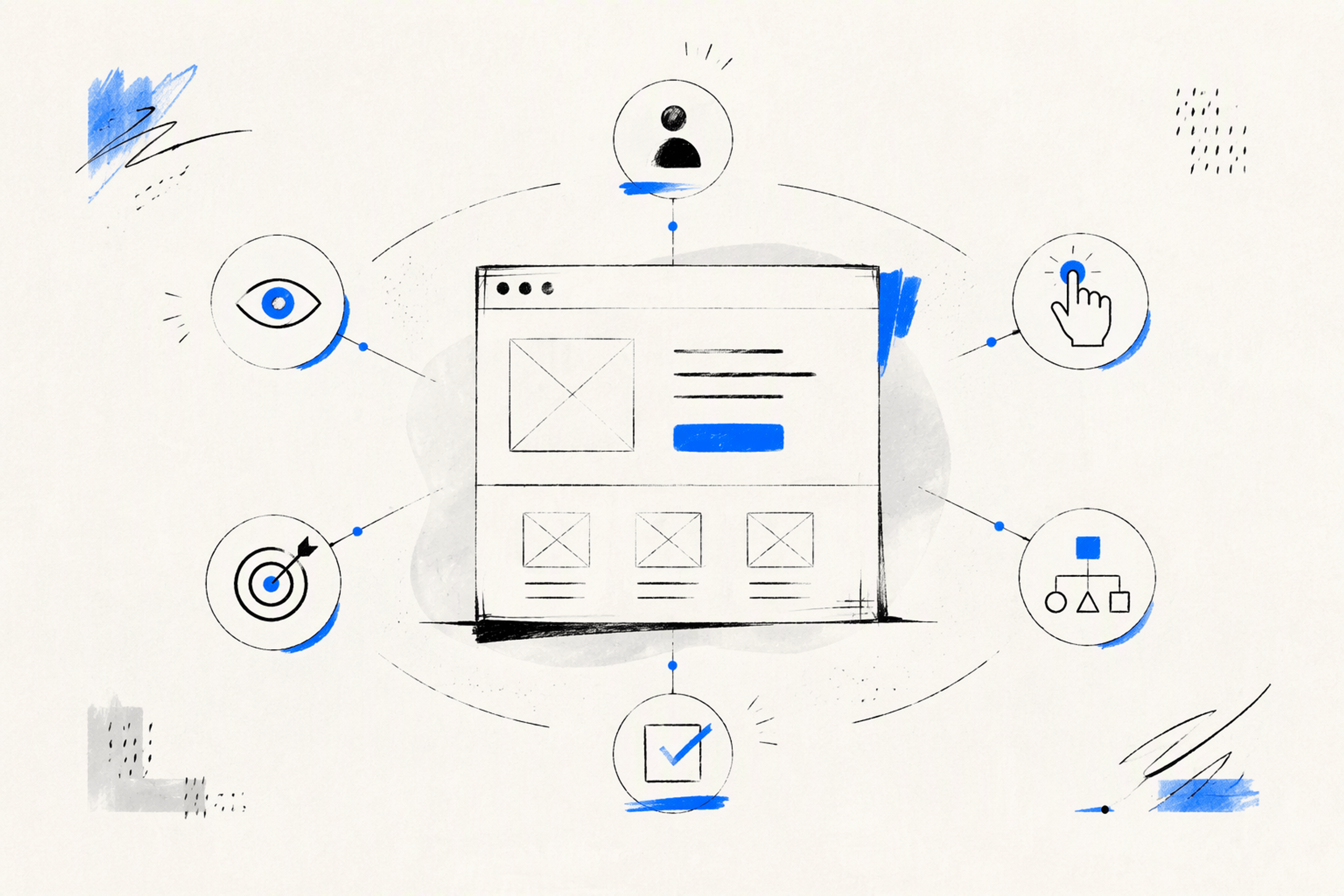
A polished interface can still fail if people hesitate, guess, or abandon a task. There is no authoritative list of exactly seven principles of user experience, so we use a practical framework: user focus, usefulness, clarity, consistency, hierarchy, feedback and control, and accessibility. Together, these principles connect research, interface design, business value, and frontend execution.
Table of Contents
- TL;DR
- Table of Contents
- What are the principles of user experience?
- The seven UX principles we use to make product decisions
- UX principles, UI principles, heuristics, and UX laws are not the same
- Where the UX Honeycomb fits
- Five visual UX principles that make interfaces easier to understand
- UX principles in action
- How frontend execution protects UX intent
- A UX principle audit for products and designers
- FAQ
- Turn UX principles into a shipped product
What are the principles of user experience?
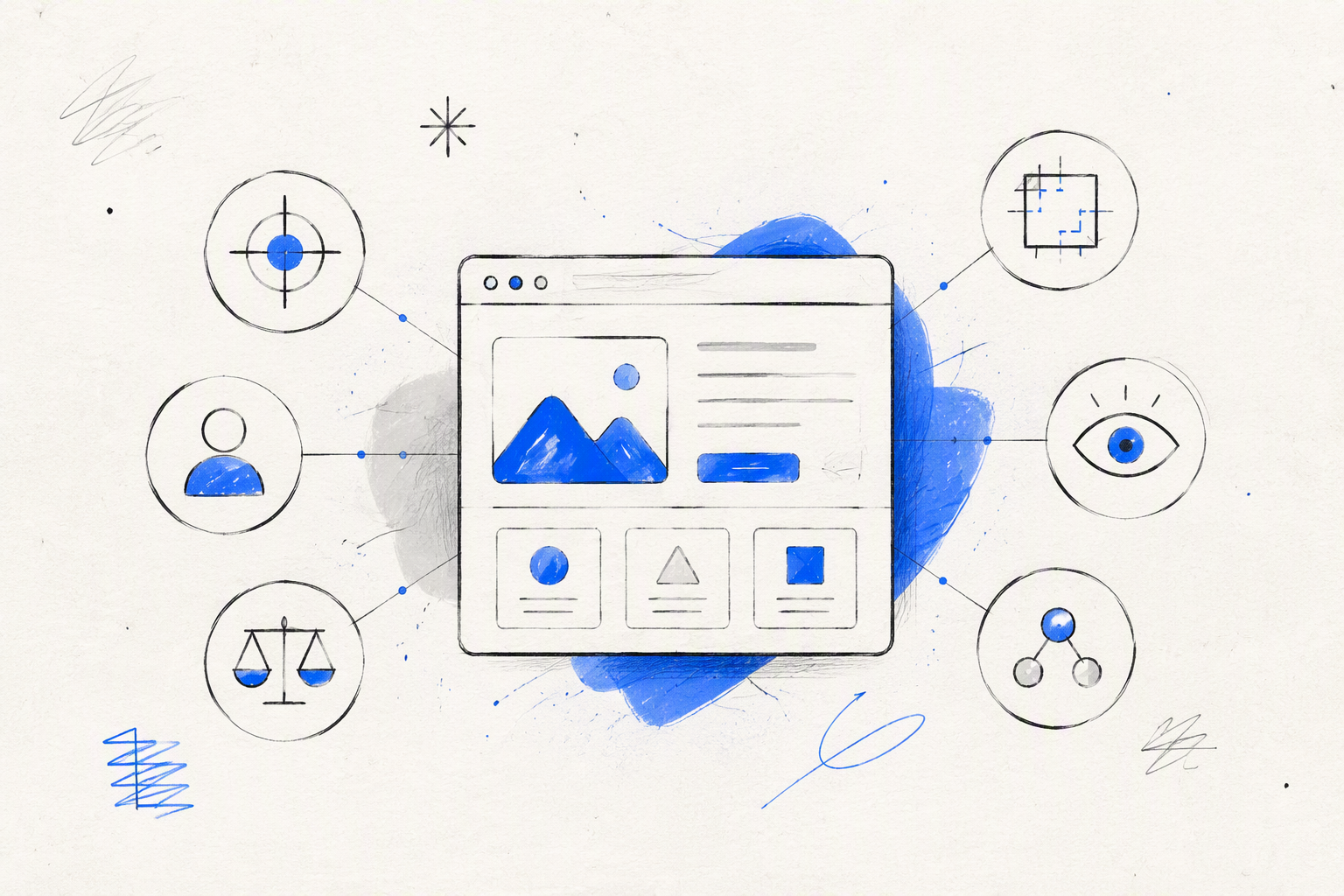
The principles of user experience are durable guides for making product decisions. They help us judge whether an experience is useful, understandable, controllable, inclusive, and able to support user and business goals.
They are not a fixed recipe, visual style, or checklist that guarantees good UX. Instead, they give teams direction when research is incomplete, requirements conflict, or several credible designs are competing.
There is no industry-wide, authoritative list of exactly five, seven, or ten UX principles. The Decision Lab similarly describes UX principles as guidance accumulated from UX practice and research, rather than a fixed-number framework. Authors and organisations often group related ideas in different ways.
For practical product work, we use seven principles:
- User focus
- Usefulness
- Clarity
- Consistency
- Hierarchy
- Feedback and control
- Accessibility
Strong UX balances more than user preference. It connects user needs with business outcomes, technical constraints, ethical responsibilities, and enough brand distinction to make a product recognisable.
Why UX principle lists disagree
UX lists often place different types of guidance under the same label. One list may include values such as accessibility, methods such as research, interface rules such as consistency, usability criteria such as error prevention, and behavioural concepts such as cognitive load.
That does not automatically make a list wrong. The more useful question is not “Which list is official?” but “Does this framework help us make better decisions and evaluate the results?”
A principle earns its place when it helps a team:
- Identify the underlying problem
- Compare credible alternatives
- Explain a trade-off
- Detect likely friction
- Connect design choices to evidence
- Assess what changes after release
Principles should strengthen judgment, not replace it. Context determines how each principle applies.
A practical seven-principle framework
We treat our seven-principle model as an adaptable operating system:
- User focus: Understand real behaviour rather than designing from internal assumptions.
- Usefulness: Solve a problem important enough to justify the product or feature.
- Clarity: Reduce uncertainty through language, structure, and appropriate disclosure.
- Consistency: Preserve useful learning across controls, terminology, and behaviour.
- Hierarchy: Direct attention toward relevant information and the next action.
- Feedback and control: Show system status and provide safe ways to change course.
- Accessibility: Build inclusion into research, design, content, and code.
These principles reinforce one another. Clarity often depends on hierarchy. Feedback gives people control. Accessibility strengthens usability rather than sitting apart as a final compliance check.
The seven UX principles we use to make product decisions
A useful principle must shape real decisions. Each principle below includes a common failure and a better approach.
1. User focus: design for first-time understanding
Teams know too much about their own products. We understand internal terminology, hidden dependencies, and the reasons behind a workflow. First-time users arrive without that context.
User focus means grounding decisions in research, observation, analytics, support evidence, and usability testing. It requires us to watch what people do, not simply record what they say they want.
User-centred design also does not mean implementing every request. Someone may ask for a button, filter, or automation while trying to solve a deeper problem. We first investigate that need, then decide what the interface should do.
Failure mode: The team labels a feature with internal terminology and assumes everyone will understand it.
Better decision: Test the concept and language with representative users, then look for recognition, hesitation, and task completion.
The user benefit is faster comprehension. For the business, the change may support activation, reduce avoidable support requests, or prevent abandonment.
2. Usefulness: solve a valuable problem
More features do not automatically create more value. Additional functionality can make a product harder to understand while increasing design, engineering, support, and maintenance work.
Usefulness asks whether a capability helps a relevant audience accomplish something meaningful. Depending on the product, evidence might include task success, adoption, repeated use, retention, avoided effort, or reduced dependence on workarounds.
Failure mode: A dashboard displays every available metric because the data already exists.
Better decision: Identify the decisions people need to make, then present the information required for those decisions.
For teams defining scope and ownership, a clear UI/UX design service buyer’s guide can help distinguish strategic product work from attractive but incomplete screen production.
3. Clarity: reduce ambiguity, not just clicks
Clarity comes from plain language, meaningful labels, visible consequences, focused choices, and progressive disclosure. It is not the same as making every workflow short.
A longer flow may be easier when an extra step reduces uncertainty or risk. Account setup, for example, can feel simpler when questions appear in focused groups instead of one dense screen.
Failure mode: A checkout hides costs until the final action so the early screens look simpler.
Better decision: Show costs and conditions before commitment, even if the flow needs a separate review step.
Fewer clicks help only when they do not create more thinking, mistakes, or backtracking.
4. Consistency: preserve learning, not weak patterns
Consistent language, controls, visual signals, and component behaviour let people transfer learning between parts of a product. A primary action should not change appearance without reason, while identical labels should not trigger different outcomes.
Consistency is not a defence for a poor pattern. If evidence shows that a convention causes confusion, we can replace it deliberately, provided the new interaction remains understandable and learnable.
Failure mode: A confusing component stays in place because it already appears throughout the product.
Better decision: Improve the pattern systematically, document the change, and migrate affected flows instead of creating isolated exceptions.
Consistency should reduce learning effort, not preserve bad decisions.
5. Hierarchy: direct attention toward the next decision
Hierarchy communicates what matters first, what belongs together, and what can wait. Placement, scale, typography, spacing, contrast, and sequencing all influence that order.
The goal is not to make every important element loud. When every card, alert, metric, and button demands attention, the interface stops providing direction.
Failure mode: A dashboard gives every metric equal prominence.
Better decision: Prioritise the next decision, use meaningful defaults, and reveal detailed data when it becomes relevant.
Visual craft is functional here. Typography and spacing affect scanning, contrast communicates state, and motion can explain change. Our review of UX and UI design trends worth carrying forward uses the same test: a trend is useful when it improves comprehension, interaction, or product character.
6. Feedback and control: make system status visible
Every meaningful action needs appropriate feedback. People should know whether the system received an input, what changed, whether processing is continuing, and what they can do next.
Feedback may take the form of validation, a changed button state, a confirmation message, a progress indicator, or an accessible status announcement. The response should match the action’s duration and consequences.
Control means supporting undo, cancel, edit, retry, recovery, and safe exits where appropriate. High-consequence actions need clearer confirmation and stronger recovery than low-risk changes.
Failure mode: A payment action appears unresponsive, encouraging repeated clicks.
Better decision: Acknowledge the action, prevent accidental duplication, describe processing honestly, and provide a recoverable failure path.
Visible status builds confidence. Good recovery helps people complete the task without unnecessary support.
7. Accessibility: design inclusion into the system
Accessibility should shape research, content, interaction patterns, visual choices, responsive behaviour, and frontend code from the start.
That includes:
- Semantic structure
- Keyboard operation
- Logical focus order
- Visible focus states
- Sufficient contrast
- Zoom and text expansion
- Reduced-motion preferences
- Suitable touch targets
- Persistent labels
- Specific error messages
- Screen-reader announcements
An overlay or final audit cannot repair inaccessible architecture. Automated tools can detect some defects, but they cannot decide whether a workflow makes sense, focus moves logically, instructions are clear, or recovery is genuinely usable.
We treat accessibility as both an inclusion requirement and a quality discipline. Designing for varied input methods, abilities, devices, and contexts usually creates a more resilient product.
UX principles, UI principles, heuristics, and UX laws are not the same
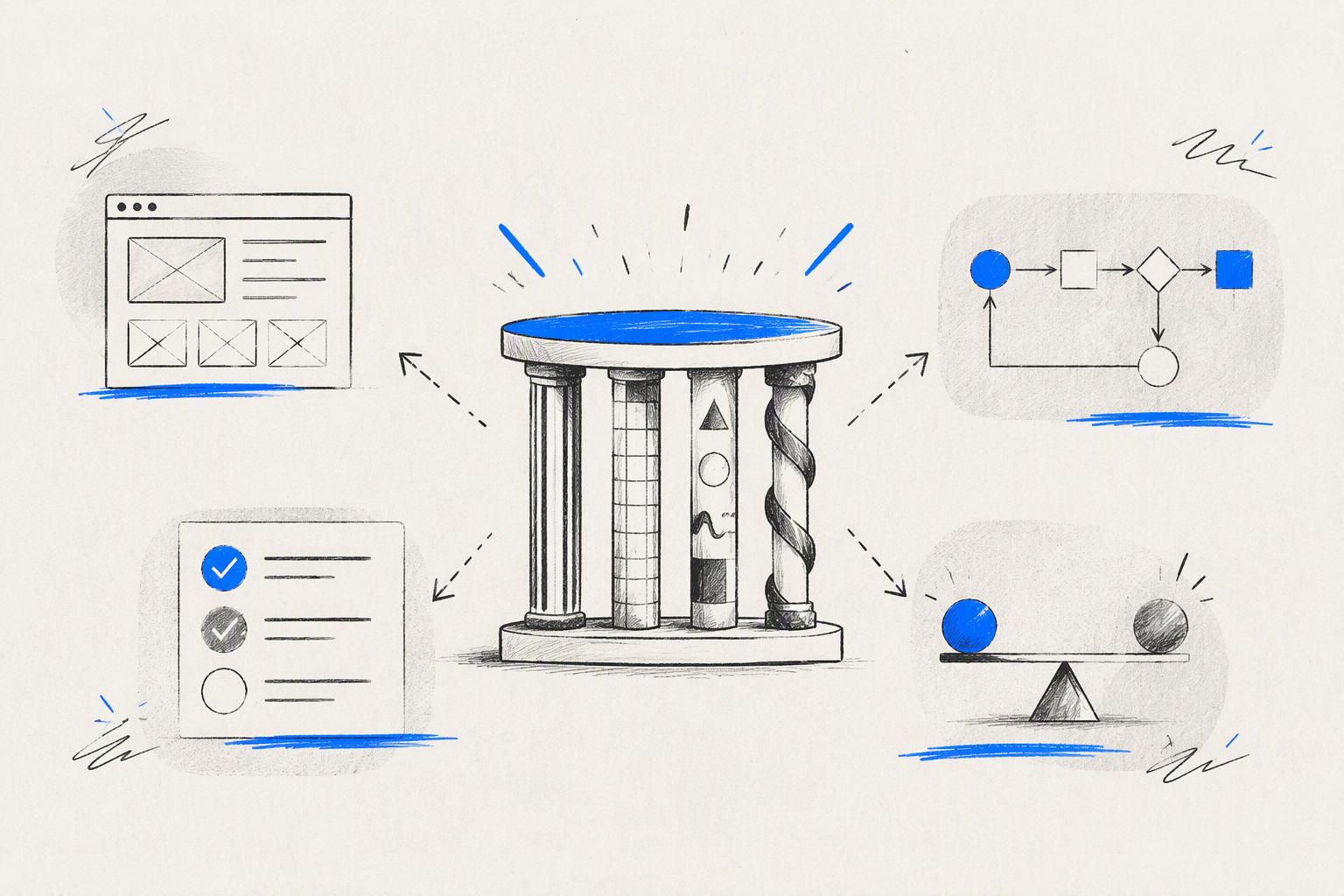
These tools overlap, but they serve different purposes:
| Tool | Primary purpose | Typical use |
|---|---|---|
| UX principles | Guide judgment | Making product and experience decisions |
| UI principles | Shape presentation and interaction | Designing screens, components, and states |
| Usability heuristics | Identify likely usability issues | Reviewing an existing or evolving interface |
| UX laws | Describe recurring behavioural tendencies | Informing specific design choices |
| Research and testing | Produce contextual evidence | Understanding needs and validating decisions |
No law or checklist should be applied mechanically. Product context, user evidence, consequences, and technical constraints still matter.
UX principles versus UI principles
UX principles address the end-to-end experience: whether a product has value, supports comprehension, preserves control, and includes people with different needs.
UI principles operate closer to the interface. They guide layout, visual hierarchy, interaction cues, typography, spacing, component behaviour, state changes, and responsive presentation.
The distinction is useful, but the work cannot be separated completely. A UX decision becomes real through interface details and implementation. That continuity is central to effective UI UX web design from discovery to launch.
Principles versus usability heuristics
Usability heuristics are evaluation criteria used to identify likely interface problems. A heuristic review might uncover weak feedback, inconsistent terminology, poor error prevention, or demands on memory.
It is an inspection method, not proof of user behaviour. An experienced reviewer can identify probable friction, but research and usability testing show how relevant users interpret the actual product.
We use heuristics to form informed questions. We use behavioural evidence to answer them.
How cognitive load and UX laws influence decisions
Several established UX laws can sharpen decisions when used carefully:
- Hick’s Law: More choices can increase decision time. We simplify meaningful choices without hiding necessary options for the sake of a cleaner screen.
- Fitts’s Law: A target’s size and distance affect interaction effort. Frequent and important controls should be easy to reach, especially on touch devices.
- Jakob’s Law: People bring expectations from other products. Useful familiarity helps, but it does not require every experience to look the same.
- Cognitive load: Attention and working memory are limited. We reduce avoidable mental effort across navigation, content, forms, and task sequences.
These concepts describe tendencies, not universal commands. A familiar pattern can be wrong for a specialised context, and a larger target cannot rescue an unclear action.
Where the UX Honeycomb fits
Peter Morville’s UX Honeycomb describes seven qualities of an effective experience: useful, usable, desirable, findable, accessible, credible, and valuable.
We treat it as an experience-quality lens rather than the only valid set of principles. The Honeycomb helps teams ask what a product should achieve. Our practical principles help us decide how to work toward those qualities.
The seven UX Honeycomb factors
- Useful: Does the product solve a relevant problem?
- Usable: Can people complete tasks without unnecessary friction?
- Desirable: Does the experience create appropriate emotional and aesthetic appeal?
- Findable: Can people locate information, features, and next actions?
- Accessible: Can people with varied abilities and technologies use it?
- Credible: Does the product communicate reliability and trustworthiness?
- Valuable: Does it create meaningful value for users and the organisation?
Desirability is not decoration. Typography, imagery, motion, and brand expression can shape confidence, recognition, trust, and adoption. They cannot compensate for a confusing or unusable product.
Which UX framework should a product team use?
Use the UX Honeycomb to assess the qualities an experience should deliver. Use practical principles to guide everyday product choices. Apply heuristics to inspect an existing or evolving interface for likely problems.
The frameworks overlap by design. Usefulness maps closely to useful and valuable. Hierarchy and clarity support usability and findability. Accessibility remains essential across them.
We recommend combining frameworks selectively rather than forcing every project into one vocabulary. The framework should clarify the team’s reasoning, not add unnecessary terminology.
Five visual UX principles that make interfaces easier to understand
The five visual UX principles we rely on most are hierarchy, contrast, alignment, proximity, and consistency.
These are functional UX tools. They control attention, communicate grouping, improve scanning, clarify interaction, and influence perceived credibility.
Hierarchy and contrast
Hierarchy establishes reading order and priority. A page title, supporting context, primary action, and secondary options should not all compete at the same level.
Contrast distinguishes importance, state, and interactivity through differences in size, weight, colour, shape, or space. It must be noticeable enough to communicate without turning every element into an announcement.
Typography, colour, and motion should reinforce the intended sequence. If people repeatedly overlook a critical action, making the entire interface brighter is not a hierarchy strategy.
Alignment and proximity
Alignment creates visual relationships. Shared edges, baselines, and grids make interfaces easier to scan because connected elements appear intentionally organised.
Proximity groups related information. A label should sit close to its input, an error should appear near the affected control, and supporting information should not resemble a separate action.
These principles are particularly valuable in forms and data-heavy dashboards, where weak grouping can make a technically complete interface mentally demanding.
Consistency without sameness
Reusable visual and interaction patterns reduce learning effort and make implementation more efficient. Components should have predictable states, spacing rules, and behaviours across the product.
Consistency does not require visual sameness. A critical warning, campaign page, or distinctive brand moment may need different treatment. Variation works when its purpose is clear and the underlying interaction remains understandable.
UX principles in action
UX principles rarely operate alone. Complete flows combine usefulness, hierarchy, clarity, feedback, accessibility, and technical behaviour.
Onboarding: fewer steps are not always better
Before: One setup page presents every field, preference, permission, and integration. It contains fewer steps, but first-time users cannot tell what is required or why the information matters.
After: A progressive flow asks focused questions, explains value at the point of decision, shows progress, and allows optional steps to be skipped.
The revised version may contain more screens, but it reduces cognitive load by sequencing decisions and preserving control. We can assess completion, hesitation, skipped steps, abandonment, and later activation instead of celebrating a lower click count.
Checkout: clarity and trust before conversion
Before: Costs appear late, account creation is mandatory, errors clear entered data, and a failed payment produces a generic message.
After: The checkout shows total cost and delivery expectations before commitment, supports guest checkout, uses familiar controls, and places validation near the relevant field.
If payment fails, the interface preserves entered data, explains the problem without guessing, and offers a suitable retry or alternative. One flow brings together clarity, consistency, feedback, control, and trust.
Dashboards: prioritise decisions over data volume
Before: Every metric has equal prominence because each stakeholder considers their data important.
After: The dashboard is organised around user goals, likely decisions, and next actions. Meaningful defaults reduce setup work, accessible status cues communicate change, and contextual detail remains available on demand.
The aim is not to remove data arbitrarily. It is to reveal the right information when it supports a decision.
Forms and error recovery: help people finish
Before: Placeholder text acts as the only label, validation appears after submission, and a general banner says something went wrong.
After: Persistent labels identify fields, examples clarify expected formats, and suitable input types reduce avoidable work. Validation appears when it can help rather than interrupt.
Entered information remains intact after an error. Each message identifies the affected field, explains the problem in plain language, and provides a specific recovery action.
How frontend execution protects UX intent
UX, UI, and frontend development cannot operate as unrelated handoffs. Responsive behaviour, semantics, performance, focus management, and component states determine what people actually experience.
A well-reasoned mockup can still become poor UX if the layout collapses at smaller widths, keyboard focus disappears, loading lacks feedback, or errors destroy entered data.
An integrated freelance product design workflow helps connect the original problem to states, specifications, implementation, review, and iteration. Combined design and frontend capability does not remove collaboration. It gives design intent a stronger route into the shipped product.
Design the complete state system
Teams need to specify more than ideal screens. A complete state system includes:
- Loading
- Empty
- Success
- Validation
- Error
- Disabled
- Offline
- Permission-restricted
- Partial completion
Feedback should match duration and consequence. Quick actions need immediate acknowledgement. Longer processes may need loading indicators, honest progress information, or background processing that lets people continue elsewhere.
We avoid false precision, distracting animation, and ambiguous inactivity. When processing fails, the product should preserve context, entered data, focus, and recovery options.
Make accessibility an implementation constraint
Accessibility decisions must survive into code. Labels need programmatic relationships, reading order must remain logical, keyboard behaviour should match visual behaviour, and focus must move predictably after dialogs, errors, or dynamic updates.
Status changes may require screen-reader announcements. Motion should respect reduced-motion preferences. Contrast, zoom, touch targets, and content expansion need to work across real components and breakpoints.
Automated checks improve coverage and catch repeatable defects. They do not replace keyboard review, screen-reader inspection, manual reasoning, or testing with people.
Protect UX across responsive breakpoints
Responsive UX is not a desktop layout squeezed onto a smaller screen. We reconsider priority, content order, navigation, target size, data density, and available actions.
Testing should extend beyond a few standard viewport widths. Longer content, slower connections, touch input, keyboard navigation, zoom, interruptions, and partially completed tasks can all expose problems.
Implementation reviews should ask whether hierarchy, interaction, and recovery survived—not merely whether the build resembles the approved mockup.
A UX principle audit for products and designers
This checklist evaluates product reasoning and execution rather than visual polish alone.
Product experience audit checklist
Evidence and user focus
- Can a first-time user identify the product’s purpose and next action?
- Are decisions grounded in research, analytics, support evidence, or testing?
- Does the team distinguish underlying needs from requested features?
Usefulness and clarity
- Does each key flow solve a meaningful problem?
- Are labels, choices, costs, and consequences clear?
- Has the team reduced ambiguity rather than blindly reducing clicks?
Consistency and hierarchy
- Are terminology, controls, and behaviours predictable?
- Does hierarchy direct attention toward the next relevant decision?
- Have weak legacy patterns been challenged instead of repeated?
Feedback and accessibility
- Does every important action receive timely feedback?
- Can people undo, cancel, edit, retry, or recover where appropriate?
- Have keyboard use, focus, semantics, contrast, zoom, motion, labels, and errors been considered?
Implementation and outcomes
- Do complete states work across devices and breakpoints?
- Does the shipped interface preserve content, hierarchy, and interaction intent?
- Do behavioural and operational signals reveal where improvement is needed?
How to tell whether a designer applies UX principles strategically
Look beyond polished final screens. Strong work explains the problem, available evidence, alternatives, rejected options, implementation constraints, and explicit trade-offs.
We look for connections between:
- User needs
- Business goals
- Brand distinction
- Technical feasibility
- Accessibility
- Measurable outcomes
The designer should also specify responsive behaviour, state changes, content, errors, and interaction details. Case studies are stronger when they explain what changed after testing or release rather than presenting a frictionless retrospective.
Before engaging a designer, our product design freelance hiring checklist offers eight practical checks covering reasoning, collaboration, deliverables, and build readiness.
FAQ
What are the seven principles of UX design?
Our seven practical principles are user focus, usefulness, clarity, consistency, hierarchy, feedback and control, and accessibility. They guide product decisions from research through implementation. This is an adaptable working model, not a universally mandated standard.
What are the seven key factors of user experience?
The UX Honeycomb identifies useful, usable, desirable, findable, accessible, credible, and valuable as seven qualities of an experience. Teams can use them to assess whether a product delivers rounded value.
What are the five visual UX principles?
The five visual principles covered here are hierarchy, contrast, alignment, proximity, and consistency. Together, they direct attention, distinguish importance, establish relationships, group connected content, and preserve learnable patterns.
Are the seven pillars of UX design universally agreed?
No. “Seven pillars” may refer to practical design principles, the UX Honeycomb, or a framework created by a particular author or organisation. Teams should define the framework they use and judge it by whether it improves decisions and outcomes.
Is there one universal principles of UX PDF or book?
No single PDF or book defines a universally accepted list. Different resources compile principles, heuristics, behavioural laws, and interface guidance for different purposes. We recommend choosing tools that suit the product, its users, and the decision at hand.
Turn UX principles into a shipped product
At amajaying.com, we connect UX strategy, distinctive UI design, and frontend execution so the experience holds together from the first decision to the final build.
If your product needs that combination, start a conversation with us.