AI driven user experience: designing SaaS products users can trust
Learn how to design trustworthy AI SaaS experiences that improve activation, clarify uncertainty, enable edits, and boost retention. Explore the framework.
By Ajay Khatri ·
TL;DR
A better model will not fix a weak AI driven user experience. Successful AI SaaS products guide the first input, explain uncertainty, make outputs editable, recover gracefully, and connect each interaction to activation, trust, retention, and revenue.
Table of Contents
- TL;DR
- Table of Contents
- What AI-driven user experience means
- The end-to-end AI UX loop we design around
- Replace the blank prompt box with a faster first win
- Design for latency, uncertainty, and imperfect output
- Turn generated output into a controllable workspace
- Build trust through transparent data and responsible boundaries
- Measure whether AI UX drives SaaS growth
- A practical AI UX readiness check before launch
- Why AI products need UX, UI, and frontend execution
- FAQ
- Build an AI experience users can depend on
What AI-driven user experience means
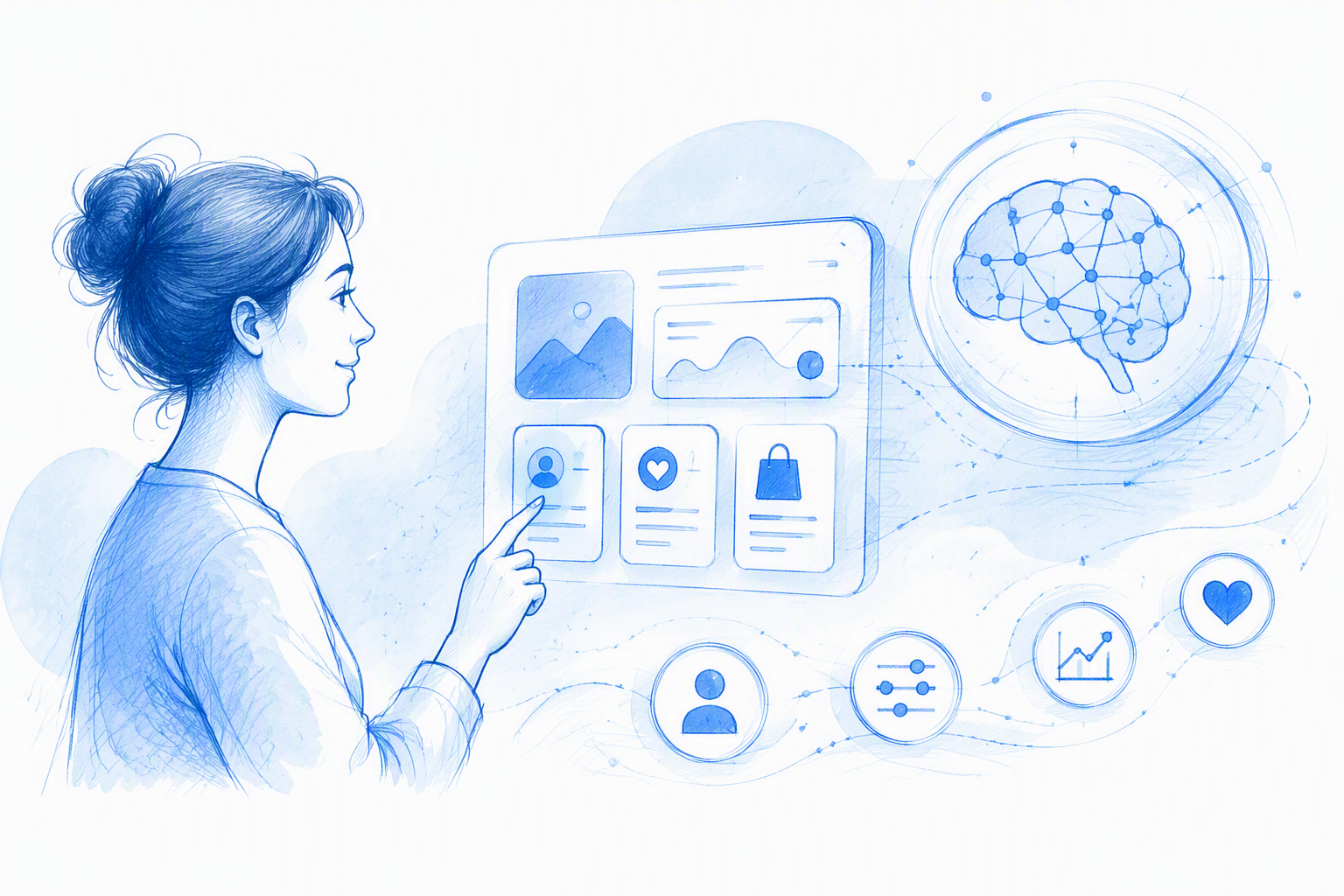
AI-driven UX is not a conventional interface with a chatbot attached. It is an experience in which probabilistic AI behaviour shapes workflows, decisions, and outcomes.
This differs from fixed automation, basic personalisation, conversational UI, or designers using generative tools internally. AI-driven customer experience covers the broader customer journey; here, our focus is product-level SaaS UX.
The commercial premise is simple: even a capable model creates little value if people cannot start, understand, verify, refine, or recover from its output.
AI experience versus conventional automation
Conventional automation follows defined rules and produces predictable results. AI can produce different outcomes from similar inputs, infer incorrectly, or return something plausible but wrong.
That variability makes expectation-setting, progress feedback, verification, manual control, and recovery essential product states rather than optional polish.
Why a chatbot UI is not an AI UX strategy
Conversation suits open-ended exploration and follow-up questions. Structured forms work better when specific constraints matter. Templates, suggestions, direct manipulation, and mixed-input interfaces can also reduce prompt-writing effort.
We choose the interaction around the user’s task, not the model’s preferred input format.
The end-to-end AI UX loop we design around
Our practical AI UX framework connects expectation-setting, input guidance, system status, useful output, refinement, exception handling, and feedback.
Polishing a generated answer cannot repair confusing onboarding or a dead-end error. The complete loop should support activation, task completion, repeat use, and lower support demand.
The same connected thinking underpins an end-to-end UI UX design service workflow, from defining the product goal through production.
1. Set expectations and guide the first input
Explain what the AI can do, what information it needs, and what a useful result looks like. Use realistic examples, templates, defaults, and clear constraints before asking people to create anything.
2. Make generation visible and output actionable
Communicate genuine processing stages without fake precision. When appropriate, stream useful sections, allow cancellation, and present the result as material users can inspect, edit, save, or approve.
3. Support refinement, recovery, and learning
After each result, provide a clear next action: refine, compare, accept, retry, revise the input, or continue manually. Keep feedback lightweight so it does not interrupt the task.
Replace the blank prompt box with a faster first win
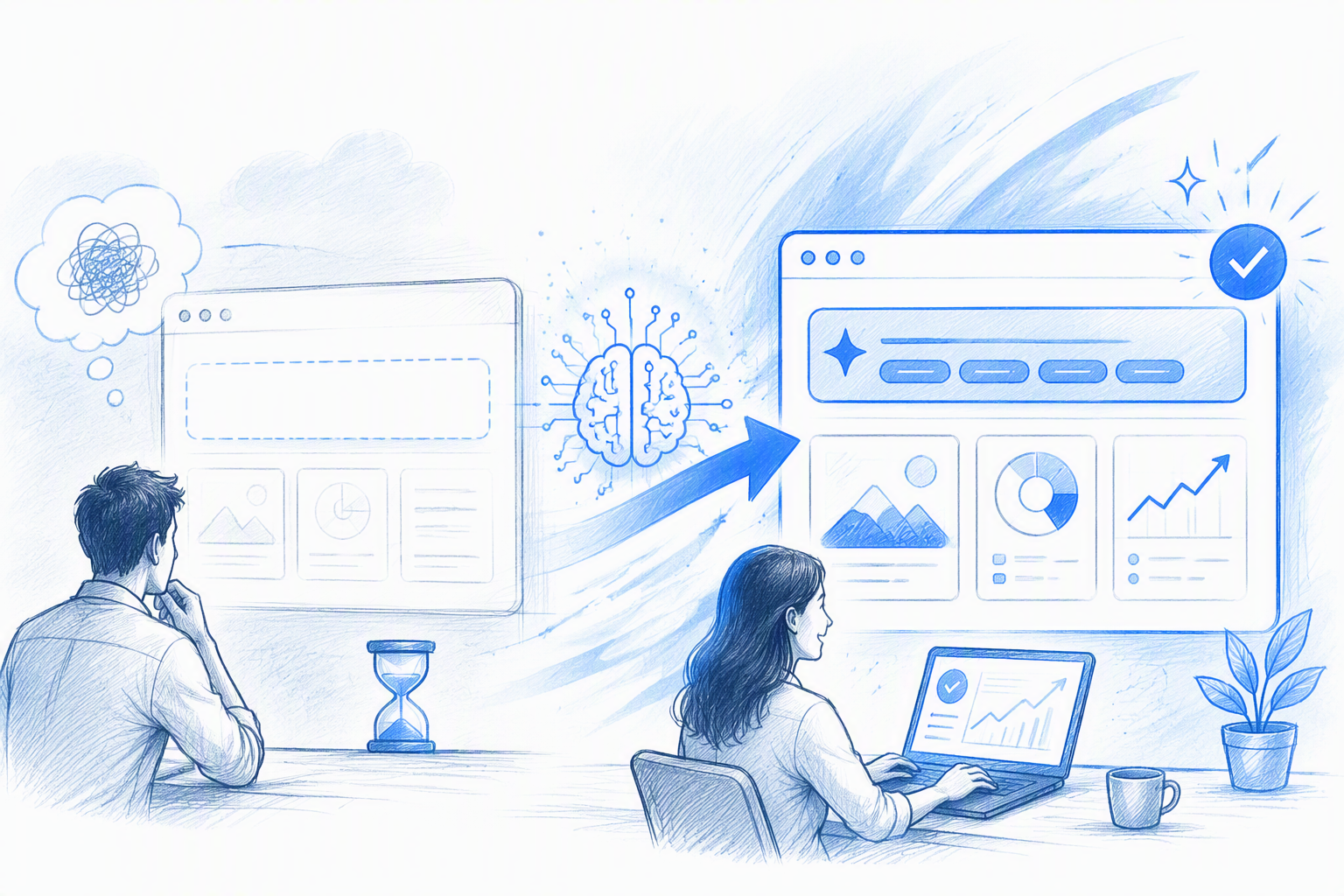
An empty prompt asks new users to infer the product’s capabilities, vocabulary, and input requirements at once. That is an activation barrier disguised as simplicity.
Prompt starters, structured fields, examples, templates, defaults, and progressive disclosure can shorten the route to a useful result. We design first-run onboarding around completing one meaningful job, not touring every feature.
Choose the right input pattern
Use free-form prompts for open-ended intent and structured fields for firm constraints. Hybrid inputs combine flexibility with reliability—for example, a brief alongside audience, format, and tone fields.
When helpful, let users inspect and edit the generated prompt or underlying parameters.
Design empty states that teach by doing
Replace decorative placeholder copy with task-based starting points. A one-click example using safe sample data can demonstrate the relationship between input and output before someone supplies sensitive or complex information.
Measure the first-result experience
Track starter use, input completion, generation success, time to a useful result, and abandonment. Generation alone does not prove value; look for editing, saving, exporting, approval, sharing, or another meaningful action.
Design for latency, uncertainty, and imperfect output
Waiting, uncertainty, and failure are normal AI product states. Honest status messages, cancellation, timeout handling, and preserved work make the system feel more dependable.
Confidence communication should match the consequence. A recommendation affecting revenue needs stronger evidence and review than a low-risk writing suggestion.
Make waiting informative and interruptible
Show stages only when they reflect real activity, such as analysing a brief, creating an outline, and generating sections.
Allow cancellation, preserve the original input, and retain completed work so a failed request does not force a full restart.
Communicate uncertainty in user language
Explain assumptions, missing information, and verification needs beside the affected content. For analytics, pair plain-language answers with source data, relevant reports, and an explanation of what could change the result.
Avoid confidence percentages that users cannot interpret or act on.
Degrade gracefully when the AI fails
Distinguish temporary service errors from invalid inputs, missing data, and policy restrictions. Offer the appropriate route: retry, revise, restore previous work, continue manually, or contact support.
Production-ready UI/UX design services that survive frontend execution define these states before development.
Turn generated output into a controllable workspace
Generated output should be editable, comparable, reversible, and easy to refine. Controls might regenerate everything, revise one section, adjust a parameter, or support direct editing.
We prioritise the most likely next action and reveal advanced options progressively.
Support refinement without prompt rewriting
Translate common follow-ups into direct actions such as shorten, change tone, add evidence, or revise selected content. Show what the next generation will affect and what it will leave untouched.
Use human approval where consequences matter
Require review before publishing, sending, deleting, purchasing, or applying high-impact recommendations. Route uncertain outcomes to a person and explain why in everyday language.
Change summaries and comparisons also help reviewers assess revisions quickly.
Make every consequential action reversible
Save checkpoints before generation and automated edits. Provide undo, restore, version history, confirmation, or rollback according to the risk.
This production detail is why effective UI/UX designing services must go beyond pretty screens.
Build trust through transparent data and responsible boundaries
Trust comes from predictable behaviour and visible control, not claims of perfect accuracy. Explain what data is sent, why it is needed, whether it is stored, and how users can remove it.
Before launch, teams should agree on prohibited actions, human-review requirements, retention policies, and escalation paths.
Design trust signals users can act on
Pair important claims with sources, assumptions, validation status, audit history, or change summaries. Each cue should help someone accept, verify, edit, or escalate an outcome.
Give users control over memory and personalisation
Make remembered information inspectable, correctable, and removable. Ask permission before personalising the experience, explain the benefit, and provide a straightforward reset.
The product should remain useful when consent is declined or memory is unavailable.
Define boundaries before they become production incidents
Document where automation stops and accountable human judgement begins. Policy restrictions and safety interventions need clear explanations and practical alternatives, not dead ends added after engineering is complete.
Measure whether AI UX drives SaaS growth
AI UX is a commercial system, not visual polish. We recommend measuring adoption, activation, output quality, user control, trust, efficiency, retention, and revenue.
Do not optimise prompt submissions or generation volume if users reject the results. Segment performance by task, input type, user maturity, model state, and failure mode.
Activation and time-to-value metrics
Measure onboarding completion, starter use, first-session task success, and time to a useful result. Define usefulness through downstream behaviour such as accepting, editing, saving, sharing, exporting, or applying an output.
Quality, control, and trust metrics
Track acceptance, regeneration, correction, undo, abandonment, escalation, and reported errors. Pair behaviour with short qualitative questions to identify model, presentation, control, or task-fit problems.
Commercial impact metrics
Connect successful workflows to trial conversion, feature retention, paid expansion, support costs, and task throughput. Controlled experiments can test whether guidance, status feedback, editing controls, or recovery paths improve outcomes.
Our approach to freelance product design that becomes shipped experience keeps these outcomes connected to design decisions.
A practical AI UX readiness check before launch
Before shipping, we confirm that:
- New users can reach value without prompt-engineering knowledge.
- Major workflows cover loading, partial, complete, uncertain, failed, cancelled, and recovered states.
- Outputs can be inspected, edited, approved, rejected, regenerated, and reversed as appropriate.
- Privacy, personalisation, safety, and human-review decisions have defined production states.
- Instrumentation can distinguish model problems from experience problems.
Experience and interface review
Review hierarchy, copy, responsive behaviour, accessibility, consistency, and interaction states. Test vague, contradictory, incomplete, sensitive, and high-risk inputs—not just polished demo prompts.
A broader set of build-ready UI UX web design essentials helps protect critical details through production.
Frontend and production review
Validate streaming, cancellation, retries, preserved input, race conditions, stale results, and fallback paths under realistic conditions. Implementation must retain the hierarchy, accessibility, and interaction intent established during design.
Why AI products need UX, UI, and frontend execution
Fragmented ownership often produces generic screens, mismatched states, and interactions that weaken during implementation. An AI product needs UX logic, distinctive UI craft, and production-aware frontend behaviour to operate as one system.
Our product design practice connects discovery, workflows, interface systems, prototypes, edge cases, and execution. The goal is a dependable SaaS experience beyond the happy-path demo.
Can AI replace UI/UX designers?
AI can support research synthesis, content exploration, prototyping, visual iteration, and production tasks. It does not replace accountable product judgement: framing the problem, resolving trade-offs, designing trust, testing edge cases, or connecting experience choices to business outcomes.
What we bring to an AI SaaS engagement
We combine UX strategy, interface craft, interaction detail, and frontend awareness. Our attention stays on the moments that shape activation and trust: first input, waiting, evaluation, refinement, approval, failure, and recovery.
From impressive model demo to dependable product experience
We translate model capabilities and limitations into workflows people can understand and control. That means connecting prompts, status, output, evidence, editing tools, approvals, and recovery—not polishing isolated screens.
Explore our product design and full-stack creative practice when an impressive AI demo needs to become a credible SaaS product.
FAQ
What is AI-driven customer experience?
AI-driven customer experience uses generated, inferred, or predictive behaviour across discovery, support, onboarding, product use, and retention. It is broader than product UX. A strong approach helps customers understand AI decisions, control their data, verify important outcomes, and recover from errors.
What is the 30% rule in AI?
There is no single, universally accepted “30% rule” for AI product design. The phrase may refer to organisation-specific automation, adoption, or productivity targets. We recommend setting boundaries according to task risk, model reliability, user expectations, review requirements, and business outcomes instead.
Can UI/UX be replaced by AI?
No. AI can accelerate synthesis, ideation, content generation, prototyping, and repetitive production work, but teams still need accountable designers to understand context, resolve trade-offs, test behaviour, and define responsible boundaries.
Is UI/UX a high-paying job?
UI/UX compensation varies by location, experience, industry, product complexity, and role scope. Designers can strengthen their commercial value by combining product strategy, interaction design, visual craft, research, systems thinking, and frontend awareness.
Build an AI experience users can depend on
If your model works but the surrounding SaaS experience feels unclear or unfinished, work with us to design and build the complete AI product loop—from first input to trusted outcome.