UI/UX designing services that move products from idea to impact
Turn product ideas into usable, distinctive experiences with end-to-end UX strategy, interface design, responsive flows, and developer-ready detail. Let's talk.
By Ajay Khatri ·
TL;DR
Effective UI/UX designing services connect product strategy, user journeys, interface design, and implementation—not just polished Figma screens. We work directly with founders and product teams to create distinctive, usable experiences while accounting for responsive behaviour, edge cases, technical feasibility, and product goals. Our focus is a clear path from the initial problem to a build-ready, coherent experience.
Table of Contents
- TL;DR
- Table of Contents
- UI/UX designing services built to move from idea to impact
- What our UI/UX design services include
- Why UX, UI, and frontend should not be separate handoffs
- Independent product designer vs. UI/UX agency
- Website UI/UX design and digital product design are not the same job
- Proof beyond polished screens: lessons from UXMagic.ai
- UI/UX design cost, timelines, and what affects both
- How to evaluate UI/UX designing services before hiring
- Work directly with a Bangalore-based UI/UX designer
- FAQ
- Turn your product problem into a shipped experience
UI/UX designing services built to move from idea to impact
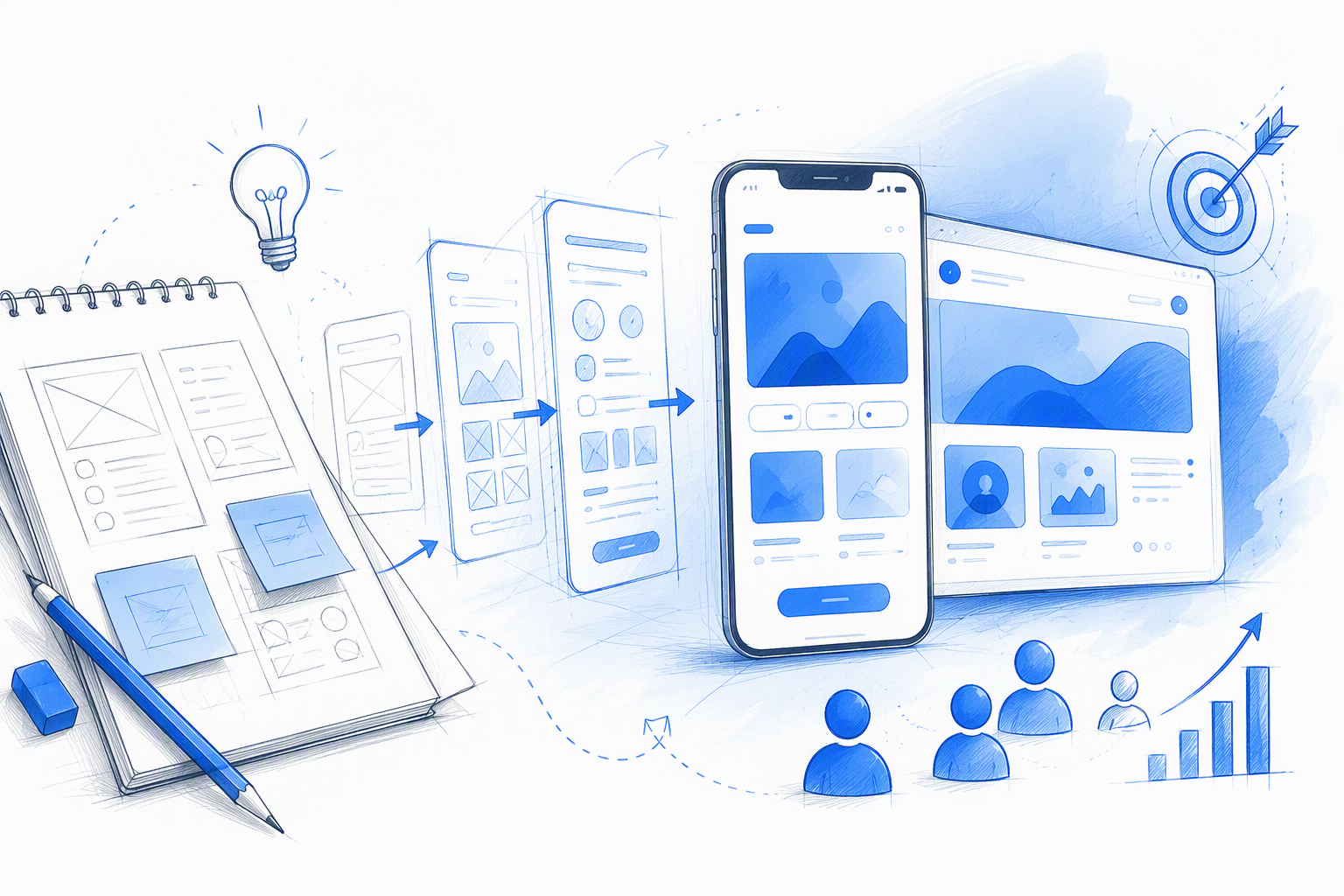
We personally lead the work from early product thinking through UX, interface execution, and implementation decisions. The person discussing the problem is also responsible for designing the solution.
Our UI/UX designing services have one central goal: creating a distinctive digital experience that works for users and supports a genuine business objective. That might mean improving activation, simplifying a complex workflow, modernising an established product, or helping a new idea reach production without losing its character.
This model suits founders, hiring managers, startups, and product teams that want senior involvement without multiple agency layers. Teams can discuss the product with us or review our guidance on assessing product designer portfolio examples before choosing who should lead the work.
One designer across UX, UI, and frontend thinking
Research, information architecture, interaction design, visual design, and frontend feasibility all influence one another. Separating them too early creates unnecessary translation work.
Consider a signup flow. We might begin by examining assumptions about user intent, map the shortest credible journey, test structural wireframes, establish the visual direction, define responsive behaviour, and prepare reusable components for development.
Keeping that reasoning with one designer helps prevent the final UI from undoing an important UX decision. It also brings technical constraints into the conversation before a concept becomes difficult to change.
Clients communicate directly with the person making those decisions. Questions do not need to move from an account manager to a strategist and then to a designer who missed the original discussion.
Best suited to focused, impact-driven product work
Our UI/UX designing services work particularly well for:
- New digital products and MVPs
- SaaS onboarding and core workflows
- Feature redesigns
- Usability and conversion improvements
- Interface modernisation
- Responsive marketing websites
- Design-system foundations
- Implementation support and visual QA
We shape the scope around the workflows carrying the greatest user or commercial risk. A focused usability test for an uncertain onboarding step may produce a more useful decision than a lengthy discovery exercise with no clear hypothesis.
That does not mean skipping UX. It means choosing research and design activities that reduce uncertainty and help the product move forward.
What our UI/UX design services include
A long UI/UX design services list can look impressive while revealing little about what a specific project needs. We prefer a modular scope in which every activity resolves a decision, reduces risk, or helps the experience ship.
At a practical level, we translate product goals and user needs into understandable journeys, testable structures, polished interfaces, reusable components, and implementation guidance. The exact combination depends on the product’s maturity and risks.
| Project type | Typical priorities | Common deliverables |
|---|---|---|
| Marketing website | Positioning, comprehension, credibility, conversion | Sitemap, content hierarchy, wireframes, responsive UI, reusable sections |
| MVP | Core value, risky workflows, speed to validation | User flows, wireframes, prototype, essential UI system, edge states |
| Established SaaS product | Usability, consistency, scalability, retention | UX audit, workflow redesign, state coverage, component improvements, visual QA |
Our more detailed buyer’s guide to build-ready UI/UX design deliverables can help teams distinguish essential outputs from process theatre.
Discovery, user flows, and information architecture
Discovery aligns the business goal, user need, operational reality, and technical constraints before visual work gathers pace. It should also identify which signals will help the team judge whether a change has improved the experience.
We then map priority journeys and organise information around the decisions users must make. For SaaS onboarding, that may include entry points, account creation, setup requirements, permissions, initial value, and recovery routes.
Research is most useful when it can change a meaningful decision. Depending on the risk, we may draw from stakeholder interviews, analytics, support feedback, competitor patterns, or focused usability testing.
More research is not automatically better. If the main uncertainty is whether users understand a critical setup step, testing that workflow may be more valuable than broad discovery without a defined question.
Wireframes, interface design, and prototypes
Wireframes reveal structural options before visual polish makes weak ideas look complete. They let us compare hierarchy, sequence, content needs, and interaction models while changes remain relatively easy.
Once the structure holds up, we create high-fidelity interfaces with a clear visual point of view. Distinctive design matters, but it should not compromise comprehension, consistency, accessibility, or task completion.
We use prototypes when they support:
- Stakeholder alignment
- User validation
- Technical feasibility checks
- Motion or transition clarification
- A realistic demonstration of an end-to-end experience
Responsive design is not a final resizing exercise. We define what reflows, collapses, scrolls, wraps, changes priority, or requires a different interaction on smaller screens.
Design systems and developer-ready specifications
Reusable tokens and components improve consistency, but a large design system is not always the right starting point. Building one before core workflows stabilise can formalise assumptions that still need to change.
For an MVP, a focused foundation may be enough: colour, typography, spacing, controls, navigation, feedback patterns, and components for priority workflows. An established SaaS platform may need deeper variants, behaviour rules, documentation, and governance.
Developer-ready specifications can cover:
- Component states and variants
- Responsive rules and breakpoints
- Validation and feedback behaviour
- Loading, empty, error, and permission states
- Overflow and data-density behaviour
- Interaction notes
- Accessibility considerations
- Reusable patterns and intentional exceptions
The deliverable is not simply a tidy design file. It is a clearer route from design intent to working software.
Why UX, UI, and frontend should not be separate handoffs
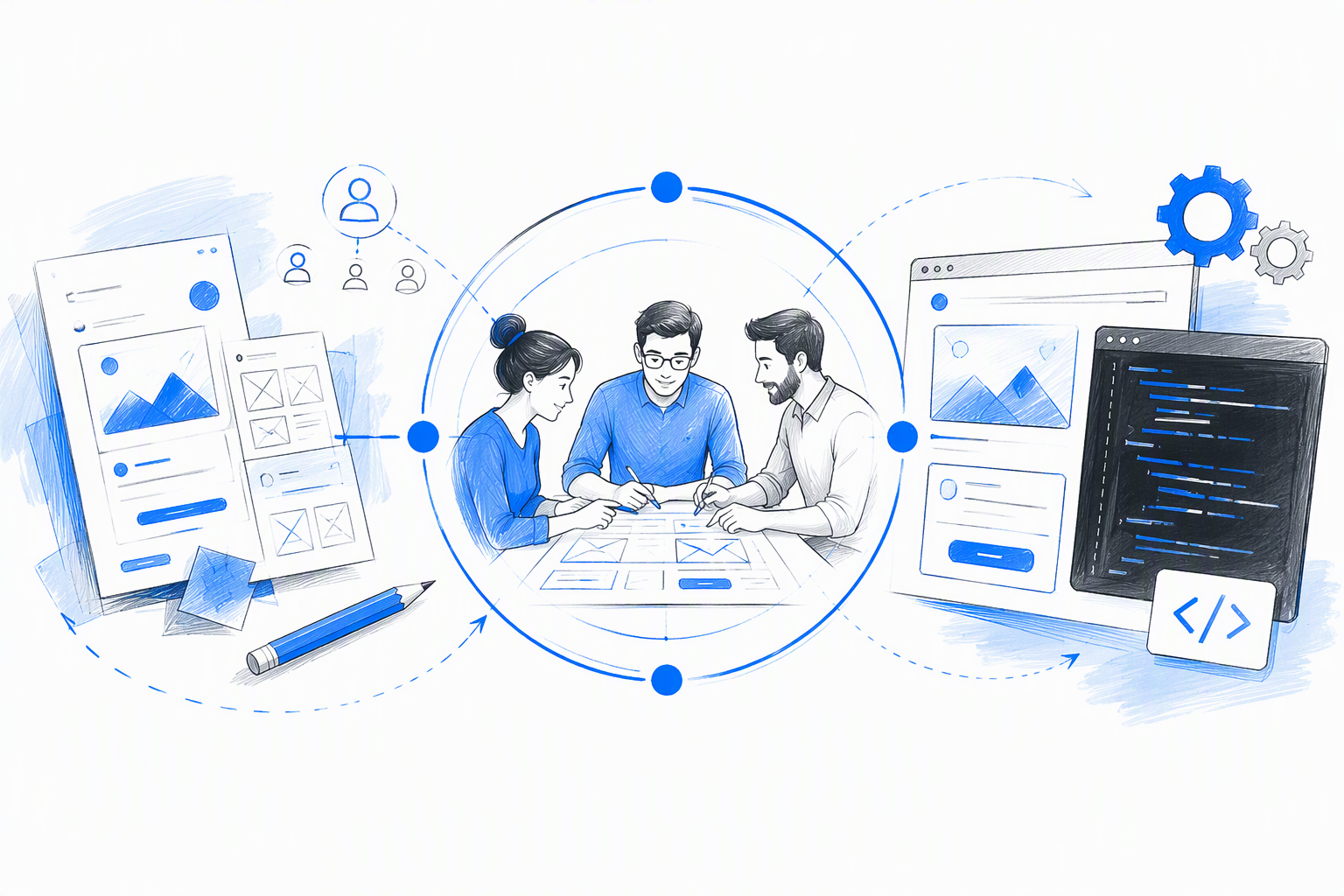
Adding specialists does not automatically improve a project. When each person optimises an isolated layer, the work can accumulate handoffs, conflicting assumptions, and diluted ownership.
A frontend-aware UI/UX designer considers feasibility while shaping the experience. That strengthens responsive behaviour, accessibility, consistency, and component reuse before implementation reveals the gaps.
Developer handoff should be a collaboration point, not the moment design responsibility ends. Our approach to freelance product design workflows explains how we keep product problems connected to shipped outcomes.
Design decisions grounded in implementation reality
A static dashboard may look complete while avoiding the conditions that make it difficult to build. Real interfaces must handle changing data, limited space, different permissions, long labels, breakpoints, asynchronous actions, and reusable application patterns.
We consider those conditions during design. When an expressive one-off interaction would be fragile or costly, frontend thinking can uncover a reusable pattern that preserves the visual idea without adding needless implementation debt.
This approach also protects distinctive concepts. If a design cannot survive real content or technical constraints, the production version may lose the qualities that made it useful. Buildable UI is not less creative; it gives the idea a better chance of reaching users intact.
Beyond the happy path
A polished default screen represents only one product state. Build-ready UI/UX deliverables should define what users encounter before, during, and after successful task completion.
Depending on the workflow, that includes:
- Loading and progressive feedback
- Empty and first-use experiences
- Errors and recovery actions
- Form validation
- Disabled and unavailable actions
- Permission differences
- Long content and overflow
- Partial or missing data
- Success and confirmation states
A dashboard is not fully designed when it only shows ideal data on a wide screen. The product must also explain what happens when no records exist, an integration fails, a table overflows, access is restricted, or the workflow opens on mobile.
Device coverage should follow expected use. We define mobile, tablet, and desktop behaviour according to context rather than producing an arbitrary collection of frames.
Implementation support and visual QA
Developers will encounter questions that static designs cannot answer. We remain available to clarify interaction logic, component behaviour, responsive decisions, and edge cases while the interface is built.
Visual QA compares the implementation with the intended experience. Reviews may uncover issues involving spacing, typography, hierarchy, state changes, responsiveness, keyboard behaviour, contrast, or content overflow.
This is not about policing individual pixels. It is about catching small deviations that can collectively weaken usability and make the product feel inconsistent.
Independent product designer vs. UI/UX agency
Large agencies can suit broad transformation programmes that require parallel teams, extensive research operations, or many specialist capabilities. A focused product engagement, however, does not automatically benefit from a larger delivery structure.
An independent senior designer can offer direct access, quicker decisions, clear accountability, and continuity between product strategy and interface execution. The advantage is not simply cost. It is having fewer opportunities for the original intent to become diluted.
Teams comparing an independent designer, agency, and in-house model should consider the project’s scope, internal ownership, and need for ongoing capacity.
Direct access instead of account layers
With amajaying.com, clients discuss product decisions with the designer doing the work. The person hearing the constraints is also mapping the workflow, challenging assumptions, designing the interface, and answering implementation questions.
Feedback reaches execution without travelling through separate sales, account, strategy, and production layers. That keeps the communication path short and makes ownership visible.
Collaboration still matters. It simply becomes more direct.
One thread from strategy to shipped interface
Every flow contains reasoning: why a step exists, which information appears first, what uncertainty must be resolved, and where a user may hesitate. That reasoning should survive the move from research into wireframes, UI, and implementation.
A continuous design thread reduces contradictions. The UI is less likely to add friction that the UX was intended to remove, while frontend constraints are less likely to erase the intended hierarchy.
Trade-offs also become easier to discuss. When speed, usability, visual distinction, and implementation effort compete, one accountable designer can explain the decision and carry it through the work.
When this model is the right fit
Our approach works best when a team has:
- A meaningful product or conversion problem
- One accountable decision-maker
- Access to relevant users, evidence, or internal expertise
- Developers who can clarify technical constraints
- A preference for visible progress over presentation-heavy process
- The ability to provide consolidated feedback
Focused calls, asynchronous updates, and regular reviews keep progress visible. Early access to developers is also valuable because feasibility questions are easier to resolve before the interface is finalised.
Website UI/UX design and digital product design are not the same job
Website UI/UX design and digital product design both require clarity, usability, responsive thinking, and strong visual craft. Their recurring behaviours and measures of success are different.
A marketing website usually needs to communicate value and guide visitors towards a conversion. A digital product must help returning users complete tasks across changing data, permissions, and states.
Website UI/UX design services should reflect that difference instead of applying the same generic process to every screen.
Marketing websites: attention, clarity, and conversion
A marketing website needs to earn attention and turn it into understanding. We focus on positioning, content hierarchy, credibility, navigation, responsive storytelling, and conversion paths.
Creative direction matters because interchangeable websites are easy to overlook. Yet the design still needs to load efficiently, support scanning, remain accessible, and make the next action clear.
Our core questions include:
- Can visitors understand the offer?
- Does the hierarchy reflect their decision process?
- Is evidence presented at the right moment?
- Can people navigate without needless friction?
- Does the experience remain persuasive on smaller screens?
Digital products: workflows, states, and repeated use
Digital product design focuses more deeply on onboarding, task completion, system feedback, permissions, errors, data density, and repeated interaction. A visually impressive workflow still fails if users cannot predict the next step or recover from mistakes.
SaaS UI/UX design also depends on consistency as a product expands. Shared patterns reduce relearning, while reusable components help new features feel connected to the wider experience.
Design systems become valuable here, but only when they support proven workflows. The system should serve the product rather than force every problem into a premature component library.
Proof beyond polished screens: lessons from UXMagic.ai
Our work on UXMagic.ai illustrates the kind of evidence we value in a product design case study. Final screens matter, but they should be accompanied by the original problem, constraints, decisions, shipped interface, and changes made after feedback.
Commercial performance should never be attributed to design alone. Product strategy, development, distribution, customer demand, pricing, and continued iteration all affect growth. We therefore focus on explaining how design supported the wider product effort without claiming sole ownership of the outcome.
The product challenge and riskiest assumptions
The challenge involved aligning the intended user, core workflow, and commercial objective. Before investing in visual refinement, we needed to identify assumptions that might prevent users from reaching value.
That meant asking focused questions. Could users understand what the product offered? Could they begin the primary workflow without excessive explanation? Did the output support their next decision? Where might uncertainty interrupt activation?
Those questions shaped the priorities. Visual design followed the product logic rather than hiding unresolved workflow issues beneath polish.
From workflow decisions to interface execution
The work connected user flows, information architecture, interaction patterns, and visual execution. Each choice needed to strengthen at least one of these areas:
- Usability
- Product differentiation
- Implementation feasibility
- Commercial relevance
Core actions received stronger hierarchy, while supporting information was organised around the next decision. Reusable patterns created consistency without making the interface feel generic.
The visual layer gave the product a recognisable character, but differentiation did not depend on decoration alone. It came from expressing the product’s value through the workflow itself.
Iteration, shipping, and growth context
Product design continued after the first polished version. Feedback and usage informed adjustments to hierarchy, guidance, interactions, and moments where users needed more confidence.
That is the standard we apply to product design portfolios: evidence of reasoning, trade-offs, execution, iteration, and outcomes with honest attribution. A real case study should show what design contributed while acknowledging the wider forces behind product performance.
UI/UX design cost, timelines, and what affects both
Universal UI/UX design pricing is rarely useful because page counts do not reveal workflow complexity. A small set of interconnected product flows can require more investigation and state coverage than a much larger informational website.
We estimate engagements after understanding what must be decided, designed, validated, and supported through implementation. A useful quote should connect effort to scope rather than hide assumptions behind a broad range.
What changes the cost
UI/UX design costs are influenced by:
- Product and domain complexity
- Number and depth of priority workflows
- Existing evidence and research needs
- Web, mobile, or multi-platform coverage
- Responsive requirements
- Design-system maturity
- Prototype fidelity
- Accessibility requirements
- User roles and permission levels
- Frontend involvement and implementation support
A focused feature redesign is fundamentally different from a full SaaS product or marketing website redesign. The estimate should make that distinction clear.
Scope can also be phased. We may begin with the highest-risk workflow, validate the direction, and expand once the core interaction model is stable.
What changes the timeline
A UI/UX project timeline depends on more than design speed. Access to users, technical constraints, content readiness, stakeholder availability, feedback cadence, and dependencies on engineering or brand teams all influence progress.
Focused validation can accelerate decisions. Testing a clear hypothesis around one risky interaction is often more useful than running a broad programme without defined questions.
Fast does not mean careless. It means removing work that does not improve the decision while protecting the UX activities that do.
What we need from the team
Strong collaboration usually requires:
- One accountable decision-maker
- Access to relevant users, research, analytics, or support insights
- Known technical and operational constraints
- A developer contact for feasibility questions
- Consolidated feedback
- Timely reviews at agreed milestones
Clear ownership helps prevent delays. It also allows us to challenge weak assumptions, show progress, and keep decisions connected to the product goal.
How to evaluate UI/UX designing services before hiring
The best UI/UX designing services do not necessarily come from the largest team or the portfolio with the glossiest mockups. We recommend comparing ownership, reasoning, feasibility, production coverage, and evidence of shipped outcomes.
A practical assessment is more useful than another ranked agency list. Our guide on how to find a product designer who can actually ship offers a deeper hiring framework.
Look past visual polish
Polished mockups show visual skill. They do not establish whether the designer identified the right problem, handled constraints, supported implementation, or improved a shipped experience.
Ask candidates to explain:
- How the problem was framed
- Which assumptions carried the most risk
- What alternatives were considered
- Why weaker options were rejected
- What constraints changed the solution
- Whether the work shipped
- What changed after feedback or usage
- How their contribution differed from the wider team’s work
Treat sweeping claims about business results carefully. Strong portfolios connect design decisions with outcomes without suggesting that design controlled every contributing factor.
Ask who will actually perform the work
The senior person leading a sales call may not remain involved in delivery. Confirm who will conduct discovery, map flows, design interfaces, prepare specifications, and answer developer questions.
Ask how many handoffs occur between research, UX, UI, and implementation. It is also worth asking who preserves the reasoning when those areas conflict.
Direct senior access can be especially helpful in focused engagements. It removes ambiguity about who owns the decisions and who is accountable for carrying them forward.
Confirm the production details
Before work begins, clarify whether the scope includes:
- Responsive behaviour
- Accessibility considerations
- Empty, loading, error, and permission states
- Component rules and variants
- Prototype requirements
- Developer support
- Implementation review and visual QA
- Source files and documentation
- Revision boundaries
- Final ownership and usage rights
These details separate a presentation-ready concept from a build-ready engagement. They also reduce the risk of unexpected gaps appearing after approval.
Work directly with a Bangalore-based UI/UX designer
We combine our Bangalore base with remote-ready collaboration for startups and distributed product teams. Clients work directly with the designer responsible for the thinking, execution, and continuity between design and development.
Each engagement begins with the product problem rather than an oversized package or predetermined checklist.
Local context, remote-ready execution
Working from Bangalore keeps us close to an active technology community while allowing us to support teams in other locations. Our process does not depend on clients sharing an office or time zone.
Remote collaboration stays lightweight through focused calls, asynchronous updates, shared files, and visible design progress. We use meetings for decisions that benefit from conversation, not as a substitute for progress.
This model gives stakeholders regular visibility while preserving uninterrupted time for research, UX, and interface execution.
Start with the product problem—not a prebuilt package
A useful first conversation should cover:
- The core workflow or website objective
- Current user or conversion friction
- Available evidence
- Technical setup and constraints
- Desired launch window
- Internal decision-makers
- Development ownership
- The impact the team wants to create
From there, we can identify the smallest responsible scope, the questions requiring validation, and a realistic next step. The conversation remains direct with the designer who will lead the engagement.
FAQ
What will a UI/UX designer do for our product or website?
A UI/UX designer turns user needs and business objectives into clear journeys and buildable interfaces. The work may include discovery, user flows, information architecture, wireframes, prototypes, responsive UI, design-system components, edge states, developer specifications, implementation support, and visual QA. The right mix depends on the product’s maturity and risks.
How do we choose between an independent designer, studio, and UI/UX agency?
Choose according to scope, ownership, and communication needs. Independent senior designers suit focused engagements requiring direct access and continuity. Studios may add complementary capabilities with relatively few layers. Large agencies can suit broad programmes or parallel workstreams. In every case, confirm who will perform the work and how many handoffs are involved.
Do your UI/UX design services include responsive design and edge states?
Yes, when they are relevant to the agreed workflow. Responsive UI should explain how hierarchy, navigation, content, and interactions adapt rather than merely supplying resized frames. We can also define loading, empty, error, validation, permission, disabled, and overflow states so developers do not have to invent important product behaviour during implementation.
Can you work with our existing developers and design system?
Yes. We can work within an established system, improve weak or missing patterns, and collaborate with internal or external developers. We consider component constraints, data variation, breakpoints, accessibility, and implementation effort while designing. If no system exists, we create a proportionate foundation rather than an oversized library.
How much do UI/UX designing services cost, and how long will the project take?
Cost and timing depend on workflow complexity, research needs, platforms, responsive coverage, design-system maturity, prototype depth, stakeholder availability, and implementation involvement. A focused feature requires a different scope from a full product redesign. Sharing the priority workflow, evidence, constraints, technical setup, and desired launch window allows us to prepare a realistic estimate.
Turn your product problem into a shipped experience
If the product works but feels confusing, forgettable, or difficult to build consistently, start a direct conversation with amajaying.com. Bring the core workflow, current friction, technical constraints, and desired impact, and we will help define a focused, build-ready next step.