UI/UX design services that turn product problems into shipped experiences
Turn product problems into accessible, responsive, build-ready experiences with senior UX strategy, distinctive UI craft, and frontend insight. See our process.
By Ajay Khatri ·
TL;DR
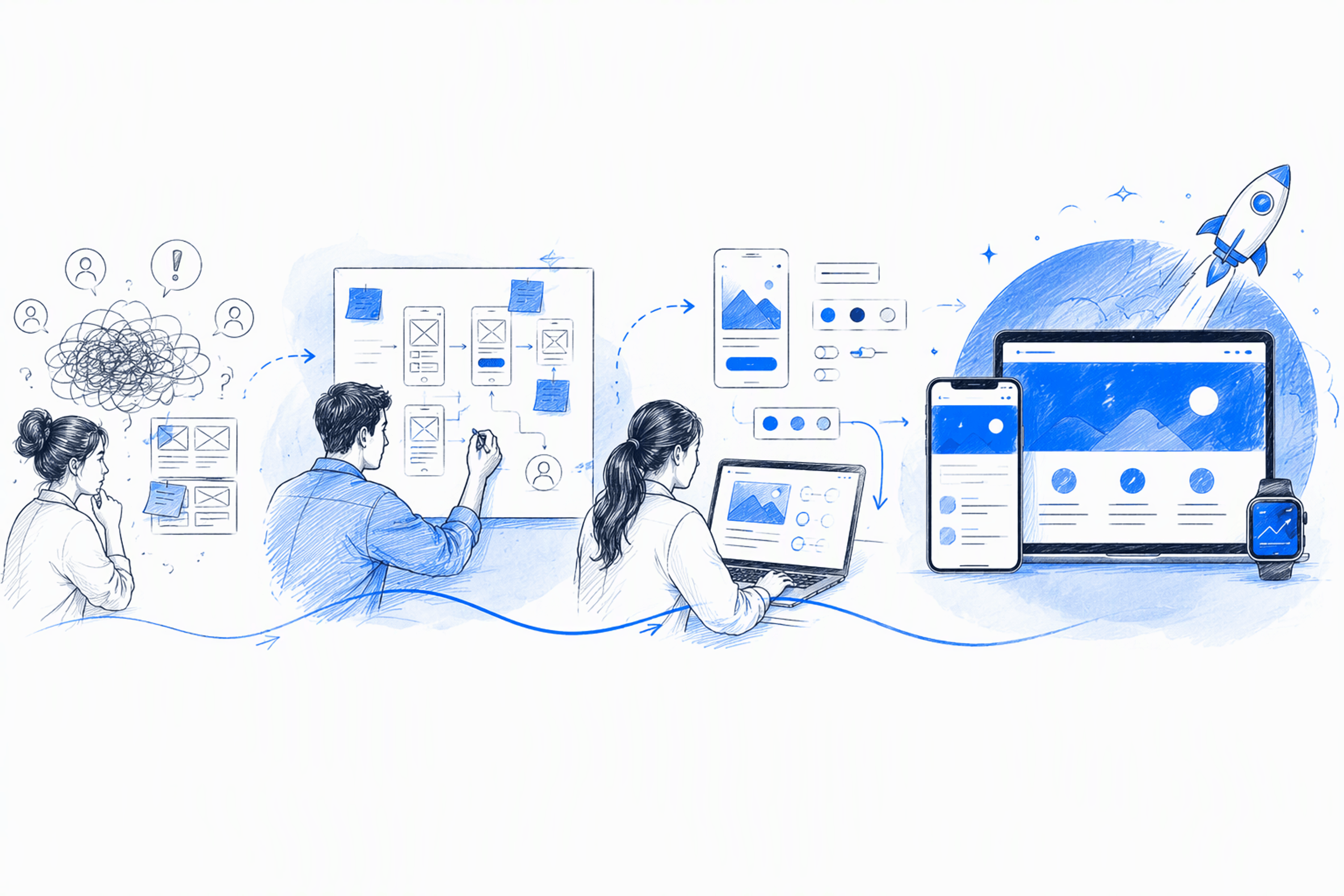
Effective UI/UX design services do more than produce polished screens. They clarify critical journeys, create coherent interface systems, account for responsive and accessible behavior, and give engineers practical guidance. At amajaying.com, we combine UX reasoning, distinctive UI craft, and frontend awareness through direct senior collaboration from Bangalore.
Table of Contents
- What UI/UX design services include—and what they should solve
- Core UI and UX design services, from discovery to buildable systems
- My end-to-end UI/UX design process
- Deliverables that cover the whole experience—not just the happy path
- Independent product designer vs agency: Which model fits your product?
- UXMagic.ai: Connecting product decisions to shipped outcomes
- UI/UX design pricing, timelines, and engagement models
- How to choose UI/UX design services with confidence
- FAQ
- Turn the next product challenge into something buildable
What UI/UX design services include—and what they should solve
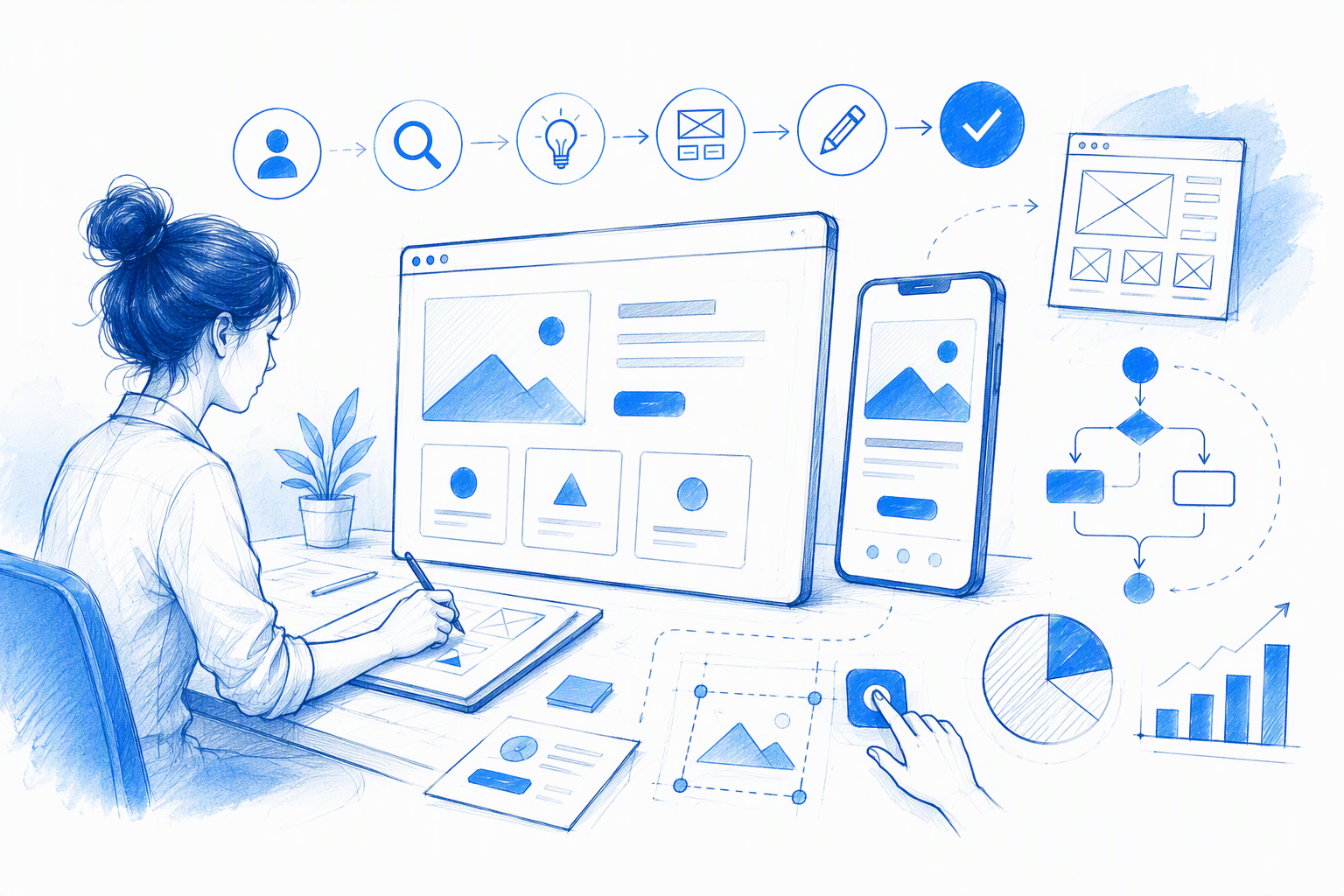
A product rarely needs another layer of attractive screens. It needs UI/UX design services that fix confusing journeys, establish a coherent system, give the interface a distinctive character, and produce decisions that remain useful when development begins.
The real measure of design is not the number of workshops, screens, or Figma files delivered. It is whether users can understand the experience, complete important tasks, recover from problems, and trust the product. The product team should also be able to build and maintain it without repeatedly interpreting the design.
Common problems include:
- Users cannot tell what to do next.
- Navigation reflects internal structures rather than user goals.
- Similar actions behave differently across the product.
- The interface looks generic despite a differentiated offer.
- Designs fail when real data, errors, permissions, or mobile layouts appear.
- Engineers must request missing states or rework impractical concepts.
Our approach at amajaying.com combines product thinking, UX structure, interface craft, and frontend fluency. Direct senior collaboration reduces the distance between product intent, design decisions, and implementation.
For a broader breakdown of available capabilities, our UIUX design services selection guide explains common services and how to identify the ones a project genuinely needs.
UX, UI, product design, and frontend design are related—but not interchangeable
UX defines how an experience is structured and behaves. It covers journeys, information architecture, task sequences, interaction logic, evidence, and recovery paths.
UI gives those decisions visible hierarchy and character. Typography, spacing, color, composition, components, feedback, motion, density, and states must work together rather than decorate an unresolved flow.
Product design connects user needs with commercial priorities. It asks whether we are solving the right problem, which journey matters most, what evidence is sufficient, and how the product should evolve.
Frontend awareness grounds those decisions in technical reality. Responsive behavior, browser constraints, dynamic content, component reuse, performance, and implementation effort all affect whether a concept can ship as intended.
Production development is not included automatically. A scope may cover design only, engineering collaboration, implementation review, or agreed frontend development. We state that boundary clearly in each proposal.
A polished interface cannot rescue a confused product
If the value proposition is unclear or the journey is broken, visual refinement only makes weak decisions look more expensive. We resolve structural uncertainty before investing heavily in detail.
Take SaaS onboarding. Better form styling will not fix confusing account setup, unexplained permissions, missing progress feedback, or an empty state that leaves users stranded.
Conversion is not a visual style either. Bold buttons, large headlines, fashionable motion, and dark themes can support an experience, but they cannot replace a credible offer, clear path, relevant proof, and usable interaction.
The same applies to marketing websites. We first clarify the value proposition, page hierarchy, proof, conversion path, and visual language instead of treating performance as a button-color exercise.
Core UI and UX design services, from discovery to buildable systems
Strong UI and UX design services should be organized around decisions rather than a long service menu. Scope depends on product maturity, risk, existing evidence, internal capability, and the outcome the team needs.
A typical engagement may separate work into:
- Core work: Journey definition, UX structure, interface design, responsive intent, reusable components, and handoff.
- Risk-dependent work: Interviews, analytics review, usability testing, advanced prototypes, or broader information architecture.
- Optional work: Brand development, product copy, analytics setup, frontend development, experimentation, and post-launch optimization.
Optional work should never be assumed. A clear scope explains what we will deliver, which decisions each output supports, and what requires a separate engagement.
Our scope-first guide to UI and UX design services helps teams distinguish essential work from attractive extras before requesting estimates.
Discovery, product strategy, and right-sized UX research
Discovery should reduce uncertainty, not create process theatre. Depending on the project, we may review stakeholder knowledge, customer evidence, analytics, support themes, competitor patterns, current workflows, interviews, or usability findings.
More research is not automatically better. We recommend the smallest credible effort that can address the highest-risk assumptions.
The depth changes with the context:
- New MVP: Define the core problem, target user, riskiest assumption, and smallest testable journey.
- Established product: Use behavioral evidence, support feedback, and business priorities to identify friction.
- Broad redesign: Examine information architecture, consistency, technical debt, migration constraints, and visual differentiation.
- Known workflow issue: Investigate that journey directly rather than forcing a full discovery program.
A startup may benefit from focused interviews or prototype testing. It rarely benefits from copying an enterprise research process without a clear reason.
Information architecture, user flows, and wireframes
Information architecture determines how content, functions, and destinations are grouped and found. User flows define the steps, decisions, dependencies, and recovery paths within a task.
Wireframes make those choices visible before visual styling dominates the conversation. Teams can assess hierarchy, sequence, content needs, and interaction logic while changes remain easier to make.
These methods are especially useful for:
- SaaS navigation and workspace structures
- Onboarding and account setup
- Roles, permissions, and invitations
- Dashboard hierarchy
- Checkout, booking, and lead-generation paths
- Empty states and first-use guidance
- Settings and administrative workflows
A dashboard redesign, for example, should begin with data priority, frequent tasks, and information structure. Components, loading behavior, filters, errors, and responsive rules should follow that direction.
Interface design, prototyping, and component foundations
Interface design translates approved structure into a coherent visual and interactive system. Work may include visual direction, typography, responsive layouts, data presentation, trust signals, interaction patterns, and prototypes for high-risk behavior.
Every prototype should answer a question. A simple clickable flow may be enough to test comprehension. A complex generation interaction may need greater fidelity to communicate timing, feedback, and system status.
Reusable components and design tokens improve consistency. Organized Figma files also help product and engineering teams find approved work, understand variants, and maintain the system after handoff.
Startups often need a disciplined component foundation rather than an enterprise-scale design system. A focused set of reusable patterns, variables, naming rules, and documented behaviors can support delivery without adding unnecessary governance.
My end-to-end UI/UX design process
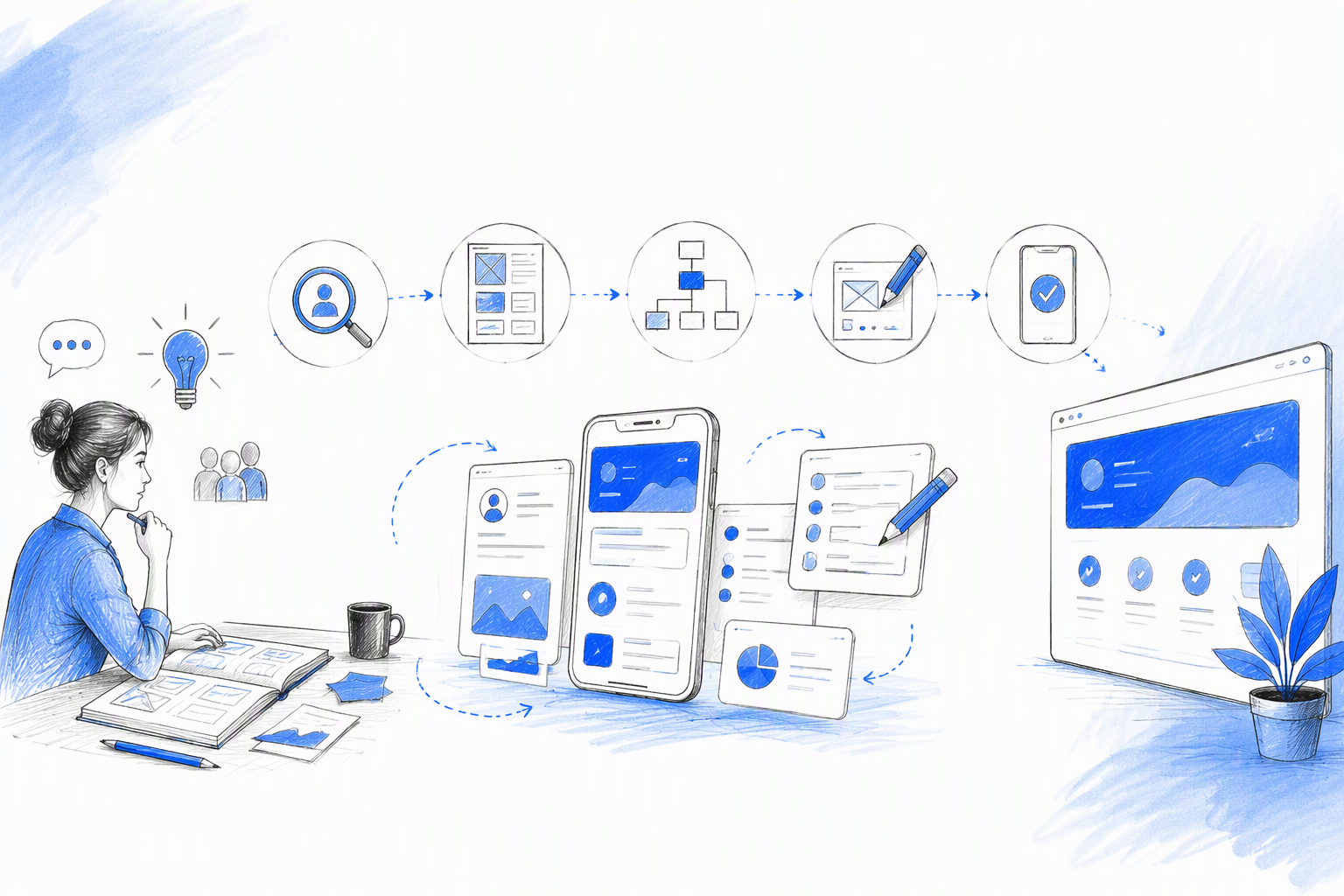
Our UI/UX design process moves from inquiry and fit assessment through focused discovery, UX direction, interface design, prototyping, handoff, implementation review, and iteration.
We make progress visible early through prioritized flows, structural concepts, visual directions, or prototypes. Clients should not wait through weeks of activity before seeing the product problem take shape.
Each proposal defines:
- Included journeys, platforms, and deliverables
- Feedback checkpoints and expected response times
- Final decision authority
- Access to relevant stakeholders and engineers
- Revision and scope-change handling
- Implementation and post-launch support
Continuity matters. We shape the flow and system, then stay close enough to implementation to protect the underlying idea.
Our end-to-end UI UX design service workflow covers this path from product goal to production in more detail.
From problem framing to UX direction
We begin by defining the product problem, target users, business objective, technical constraints, available evidence, and useful success signals. We also identify assumptions that could undermine the proposed direction.
The critical journey receives priority. That might be activation for a SaaS product, task completion in an operational tool, checkout for ecommerce, or qualified enquiries for a marketing site.
Evidence should match the decision. We may validate a new interaction through prototype testing, diagnose an established flow with analytics and support themes, or use strong existing research without repeating it for ceremony.
From UI system to developer-ready handoff
Approved flows become a distinctive interface with reusable components, consistent hierarchy, and clear interaction guidance. Visual character should support positioning without compromising comprehension.
A developer-ready handoff can include:
- Responsive layouts and breakpoint intent
- Component variants and behavior
- Loading, empty, error, success, and permission states
- Interaction and transition notes
- Export-ready assets
- Content and data assumptions
- Design tokens or variables
- Feasibility discussions with engineering
Engineering involvement should begin before handoff. Early conversations expose constraints while solutions are still flexible.
Implementation review and post-launch iteration
When included, design QA compares the build with the intended experience. We check visual drift, missing states, breakpoint failures, accessibility issues, content overflow, and inconsistent interactions.
The aim is not rigid imitation without context. It is to protect hierarchy, usability, system integrity, and the reasoning behind the experience.
After launch, analytics, customer feedback, support themes, and usability observations can guide iteration. Relevant measures depend on the product and may include activation, task completion, conversion, errors, adoption, retention, support demand, or development rework.
Deliverables that cover the whole experience—not just the happy path
UI/UX design deliverables should make decisions usable by the people building and maintaining the product. Some are working artifacts used to reach alignment; others are final outputs intended for implementation.
Possible outputs include:
- Direction: Problem framing, assumptions, priorities, evidence review, and success signals
- UX definition: Information architecture, flows, wireframes, and structural concepts
- Validation: Prototypes, findings, and prioritized recommendations
- Interface: High-fidelity screens, responsive variants, and interaction states
- System: Components, tokens, patterns, and organized Figma files
- Handoff: Specifications, assets, behavior notes, and engineering walkthroughs
- Quality review: Implementation feedback and post-launch recommendations
Not every project needs every artifact. Documentation that has no owner or immediate purpose consumes budget without improving the product.
Expected UX and validation outputs
UX outputs may include assumptions, research findings, journey maps, flow maps, information architecture, wireframes, prototypes, test observations, and recommendations.
Each one should enable a decision. A flow map can align the team on task sequence. A prototype can test whether people understand an interaction. A findings summary can identify which onboarding problem deserves priority.
We aim for enough clarity to make a sound decision, not an archive of unused process material.
Expected UI, system, and handoff outputs
UI and handoff outputs may include high-fidelity screens, responsive variants, interaction notes, component patterns, design tokens, specifications, organized Figma pages, and implementation-ready assets.
The experience must cover more than the ideal path. Relevant states may include:
- Loading and skeleton behavior
- Empty and first-use states
- Errors and recovery
- Disabled or unavailable actions
- Success and confirmation feedback
- Permissions and restricted access
- Form validation
- Destructive-action warnings
- Long content and unusual data
- Delayed or offline responses where relevant
Our buyer’s guide to build-ready product design explains what a Figma developer handoff should contain and what polished screens often leave unresolved.
Accessibility and responsive behavior by design
Accessibility is part of product quality, not a final compliance pass. We consider hierarchy, contrast, visible focus, keyboard behavior, labels, touch targets, resizing, and clear error communication.
Established accessibility guidance provides a useful baseline, but no checklist replaces judgment about the audience, context, and product risk.
Responsive design should adapt to content and task priorities rather than shrink a desktop composition. Handoff guidance may define reflow, stacking, navigation changes, table behavior, truncation, touch interaction, and changing content priority.
Independent product designer vs agency: Which model fits your product?
The right delivery model depends on the problem, timeline, internal resources, specialist needs, and desired continuity.
An independent product designer can provide direct senior access, quick decisions, low communication overhead, and clear accountability. One person can follow the work from product framing through UX, UI, engineering communication, and implementation review.
An agency or consultancy may provide greater simultaneous capacity, broader specialist coverage, formal research operations, and larger production teams. Those strengths matter when a program genuinely requires them.
A large agency is not automatically safer. Layered communication can create handoff loss, slower decisions, and diluted accountability, particularly when the people selling the work are not delivering it.
Teams comparing options can use our guide to hybrid designers, agencies, and in-house teams to assess the trade-offs against their delivery needs.
When a hybrid independent designer is the stronger fit
This model often suits:
- Founders refining a validated product
- Startups moving beyond an MVP
- SaaS teams redesigning a critical workflow
- Brands rebuilding a generic digital presence
- Lean teams needing senior capability without a permanent hire
- Products requiring close UX, UI, and engineering coordination
It works best when the team wants one accountable collaborator who can challenge the flow, craft the interface, prototype interactions, and communicate clearly with developers.
When you may need a larger or different team
A broader team may suit multi-product programs, extensive field research, specialist compliance work, large development scopes, or organization-wide transformation.
An in-house hire may be stronger when the need is continuous and deeply embedded. Specialist researchers, content designers, accessibility experts, or engineers can also join when the risk requires them.
Engagement structure should follow the problem. Headcount, awards, and long service menus are poor substitutes for relevant capability.
Who is not a fit
We are not a fit for decorative mockups created without product context. We also avoid unlimited speculative concepts, disconnected production work, and engagements where we cannot access decision-makers or essential technical information.
Speed still requires clarity, timely feedback, and collaboration. A compressed schedule cannot compensate for missing stakeholders, unresolved ownership, or continually expanding scope.
UXMagic.ai: Connecting product decisions to shipped outcomes
UXMagic.ai illustrates our focused approach to SaaS and AI product design. Products built around AI generation need more than an attractive dashboard: users must understand what the system can produce, how to provide useful input, what is happening during generation, and how to evaluate or continue with the result.
Any case study should distinguish confirmed contributions from assumptions. It should document the challenge, constraints, design decisions, shipped work, and observable outcomes without implying that design alone caused commercial growth.
The product challenge and highest-risk journey
For an AI UI generator, the generation journey carries substantial product risk. Prompt guidance, system feedback, result evaluation, and next steps all affect whether the experience feels understandable and trustworthy.
We frame the work around the points where ambiguity is most costly. That means identifying the critical journey, the available evidence, product constraints, and the commercial priority behind the engagement.
Design decisions and shipped outputs
Relevant work can include onboarding, prompt interactions, generation flows, responsive behavior, interface systems, component patterns, prototypes, and frontend collaboration. Public claims should cover only confirmed contributions.
Each decision should connect to a practical effect. Clearer guidance can reduce ambiguity. Visible generation feedback can help users understand system status. Reusable components can make implementation and future iteration more consistent.
Results in context
Product outcomes should be reported with appropriate context and evidence. Design may support adoption, usability, delivery, or commercial progress, but it operates alongside product strategy, engineering, marketing, pricing, sales, and market conditions.
We therefore describe design as a contributor rather than assigning it unsupported causal credit.
UI/UX design pricing, timelines, and engagement models
UI/UX design pricing should reflect the problem and responsibility involved, not a universal per-screen rate. Common models include:
- Fixed-scope project: Best when goals, journeys, deliverables, and boundaries are clear.
- Milestone-based project: Useful when work moves through distinct UX, validation, UI, or implementation stages.
- Product design retainer: Suitable for continuing improvements, experiments, and new features.
- Embedded collaboration: Effective when design must operate within an existing product and engineering cadence.
Our proposals define goals, inclusions, exclusions, deliverables, reviews, dependencies, fees, change handling, and support after handoff. Clear boundaries prevent surprises for both sides.
What changes the cost
Cost varies according to:
- Number and complexity of journeys
- Research depth and access to users
- Platform and breakpoint coverage
- Existing design-system maturity
- Prototype fidelity
- Stakeholder and approval complexity
- Accessibility or compliance requirements
- Frontend involvement
- Implementation review and post-launch support
Missing content, changing requirements, unclear ownership, and delayed technical input can also create avoidable work.
What changes the timeline
Timing depends on stakeholder availability, feedback speed, evidence access, engineering constraints, system maturity, compliance needs, and approval layers.
A critical-flow engagement can focus on one high-value journey. A full redesign must address connected workflows, edge cases, shared patterns, migration, and broader alignment.
Website design with implementation adds production content, integrations, browser testing, deployment, and design QA. We provide timing only after understanding the scope and working conditions.
What clients need to provide before starting
Helpful inputs include:
- Product and business context
- Target audience and primary objective
- Existing research, analytics, or customer evidence
- Known constraints and technical environment
- Access to the current product
- Decision-makers and relevant stakeholders
- Desired launch window
Early-stage teams do not need perfect documentation. Focused discovery can organize what is known and identify what must be resolved.
How to choose UI/UX design services with confidence
Awards, rankings, hourly rates, geography, and attractive thumbnails reveal little about day-to-day working quality.
We recommend evaluating:
- Product and strategic reasoning
- Interaction quality across complete journeys
- Relevant experience
- Component and system thinking
- Accessibility awareness
- Frontend fluency
- Communication clarity
- Ownership and accountability
- Evidence presented without exaggerated claims
A strong portfolio shows the problem, constraints, trade-offs, decisions, and implementation reality—not just an ideal desktop screen.
Questions to ask before hiring
Ask practical questions:
- Who will lead and perform the work?
- Will our team have direct access to that person?
- How will research be right-sized?
- How are feedback, approvals, and scope changes handled?
- Which files, breakpoints, states, and notes are included?
- How is accessibility considered?
- Will the designer work directly with engineering?
- Is implementation review included?
- What support is available after handoff?
The proposal should answer these questions instead of leaving them as verbal assumptions.
Signals of a strong portfolio and working style
Look for complete workflows, edge cases, sound reasoning, reusable systems, technical realism, and cross-functional collaboration. Case studies should explain why key decisions were made and what happened after approval.
Observable improvements are more credible than blanket revenue claims. Strong practitioners distinguish contribution from causation and state when evidence is incomplete.
Why work directly with me
Through amajaying.com, we provide senior product thinking, distinctive UI craft, UX rigor, frontend awareness, and one accountable point of collaboration. Direct communication limits handoff loss from early direction through engineering coordination.
We work from Bangalore with local and distributed teams using clear checkpoints, documented decisions, practical time-zone overlap, and close product and engineering collaboration.
FAQ
What will a UI/UX designer do?
A UI/UX designer frames the product problem, structures user journeys, defines interaction behavior, creates the interface, and prepares implementation guidance. Depending on scope, the work may also cover research, analytics review, prototyping, usability testing, reusable components, engineering collaboration, and design QA.
How much do UI/UX design services cost, and how long do they take?
Cost and timing depend on journey complexity, research depth, platform coverage, system maturity, prototype fidelity, stakeholders, and frontend involvement. We recommend a scoped estimate that states assumptions, deliverables, dependencies, reviews, exclusions, and change handling.
Is information architecture included?
We include information architecture when navigation, content hierarchy, dashboard structure, or complex workflows are part of the problem. Its depth depends on the scope. A focused feature may need a compact review, while a broad redesign may require navigation models, content grouping, permissions, and connected journey mapping.
Is frontend implementation available?
Frontend involvement is available only when explicitly agreed. An engagement may include design alone, feasibility collaboration, developer-ready handoff, implementation review, or scoped production development. We define the included level in the proposal.
How do you work with existing product and engineering teams?
We use shared checkpoints, direct communication, organized Figma files, documented behavior, and early feasibility reviews. When included, implementation QA covers responsive behavior, missing states, visual drift, accessibility issues, and inconsistencies between approved intent and the build.
Should I hire an agency or an independent UI/UX designer?
Choose according to the work. An independent designer can provide direct senior access, continuity, speed, and lower overhead. An agency may suit programs requiring more capacity or several specialists at once. Compare who will perform the work, how communication will run, and which capabilities the project genuinely requires.
Turn the next product challenge into something buildable
If a product feels confusing, generic, or difficult to ship consistently, talk to us before adding more screens. Share the critical workflow, business goal, constraints, and desired launch window with amajaying.com to start a focused conversation about the right UI/UX design engagement.