UX/UI design services that hold together from strategy to frontend
Reduce handoff loss with UX/UI design services that align strategy, accessible interfaces, responsive behavior, and frontend delivery. Explore the approach.
By Ajay Khatri ·
TL;DR
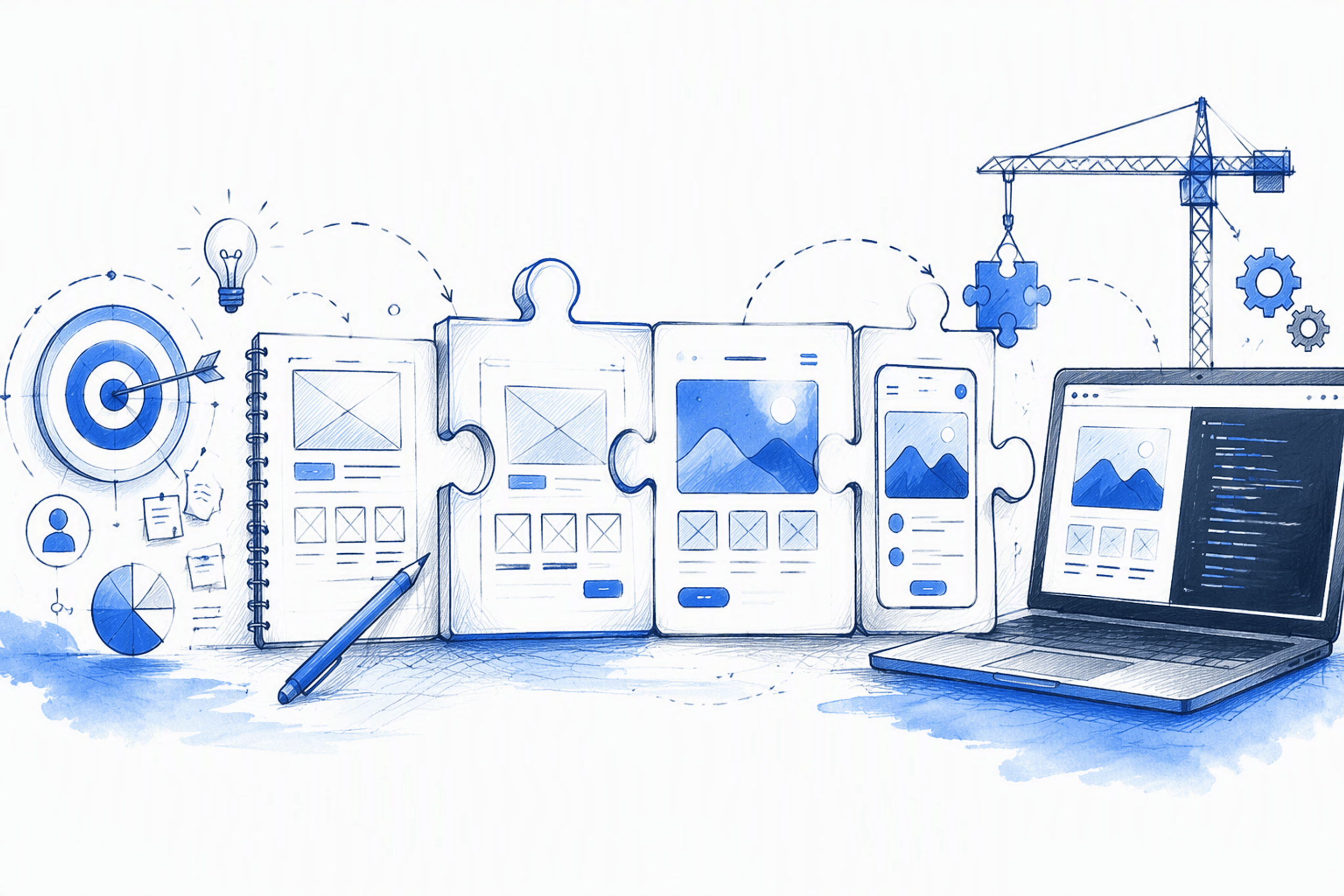
Effective ux/ui design services do more than produce polished screens. They clarify user journeys, interface behaviour, responsive states, accessibility needs, and implementation rules so the intended experience survives production. We connect product thinking, distinctive UI craft, and frontend awareness to reduce ambiguity and create digital products that are ready to build.
Table of Contents
- Why UX/UI design services should not end with a Figma handoff
- Where separate UX, UI, and frontend handoffs lose the product
- What makes UI/UX design implementation-ready?
- A connected engagement model from product problem to production
- How this approach reduces rework and improves product outcomes
- Why AI makes connected product judgment more valuable in 2026
- Proof in practice: connecting UX, distinctive UI, and execution
- When a senior independent designer is the stronger fit
- FAQ
- Bring implementation into the design conversation earlier
Why UX/UI design services should not end with a Figma handoff
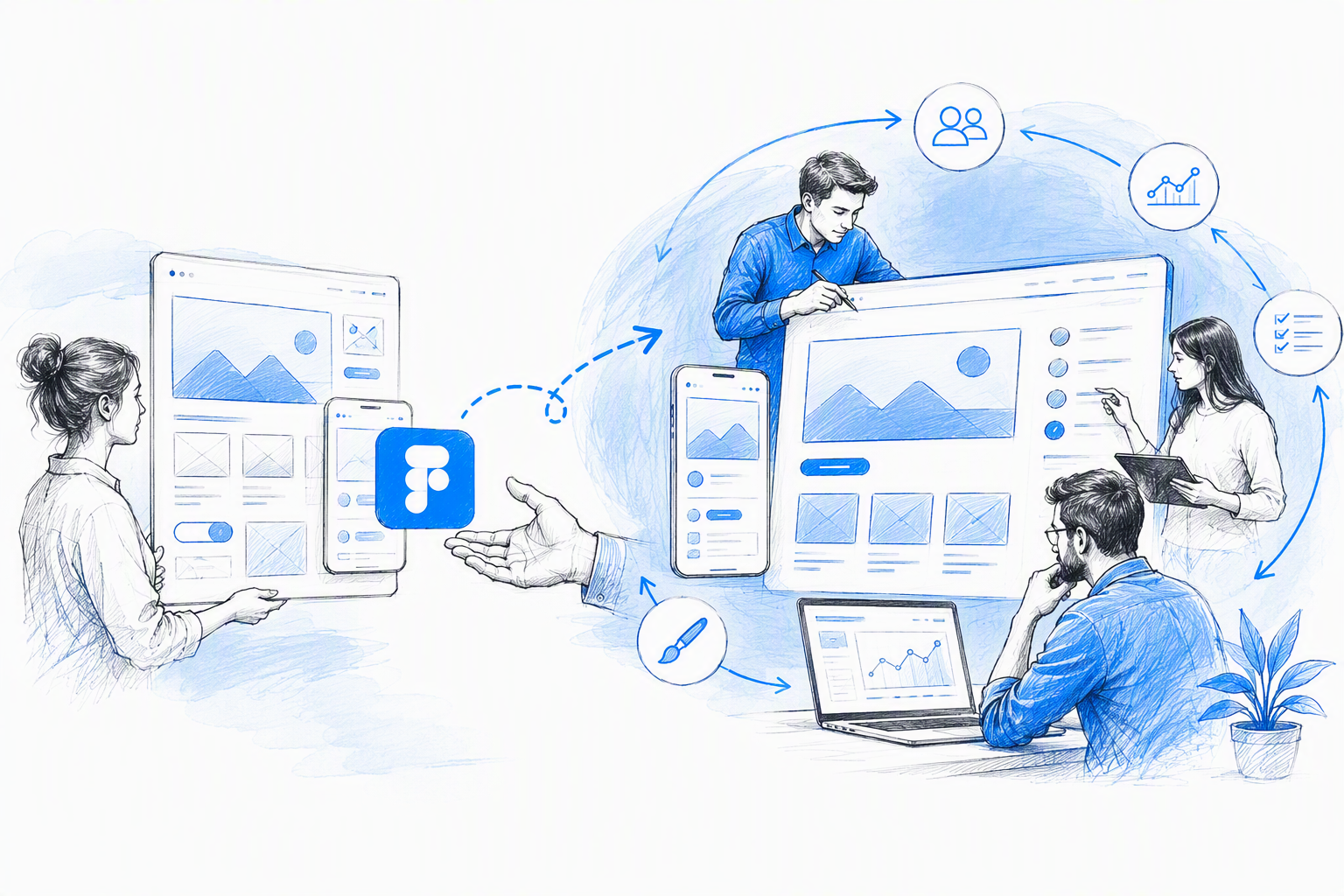
An interface can look complete in Figma while leaving essential product decisions unresolved. Once development begins, hidden assumptions surface, interactions change, and the shipped product may become harder to use than the approved design suggested.
We connect UX thinking, UI craft, and frontend execution so design intent carries into production. For a broader look at services, deliverables, and selection criteria, see our UIUX design services buyer’s checklist.
Implementation readiness is part of design quality, not an optional technical phase after the creative work.
A mockup can be polished and still be incomplete
A static screen rarely explains responsive rules, edge cases, realistic content, accessibility requirements, component behaviour, or technical constraints. Developers may otherwise have to decide how the interface handles missing data, restricted permissions, keyboard focus, long labels, failed requests, and narrow screens.
Strong UX/UI design services make those decisions visible before they turn into inconsistent code.
The real deliverable is a working experience
Screen count is a poor measure of value. We focus on coherent journeys, predictable interactions, reusable patterns, and designs that teams can build.
Our guide to UI/UX designing services that survive the jump from Figma to frontend explains why visual fidelity alone is not enough.
Where separate UX, UI, and frontend handoffs lose the product
A product idea may pass through researchers, UX designers, UI designers, account managers, and developers. Each transition creates another opportunity for the original intent to be reinterpreted.
That can lead to generic interfaces, inconsistent interactions, delayed clarification, and unnecessary rework. Combining disciplines does not mean skipping specialist thinking. It means resolving connected questions together.
Structure, hierarchy, and behaviour are one decision system
Changing a user flow can affect hierarchy, components, interaction details, analytics events, and frontend logic. Moving one onboarding step may also change validation timing, progress feedback, data dependencies, or mobile keyboard behaviour.
We therefore treat structure, presentation, and behaviour as parts of one experience rather than isolated production phases.
Fewer layers create a tighter feedback loop
Direct collaboration keeps stakeholders close to the person exploring flows, designing screens, testing prototypes, and supporting implementation. Product context is less likely to disappear between handoffs.
Our freelance product design workflow shows how connected ownership can move a product problem toward a shipped experience.
What makes UI/UX design implementation-ready?
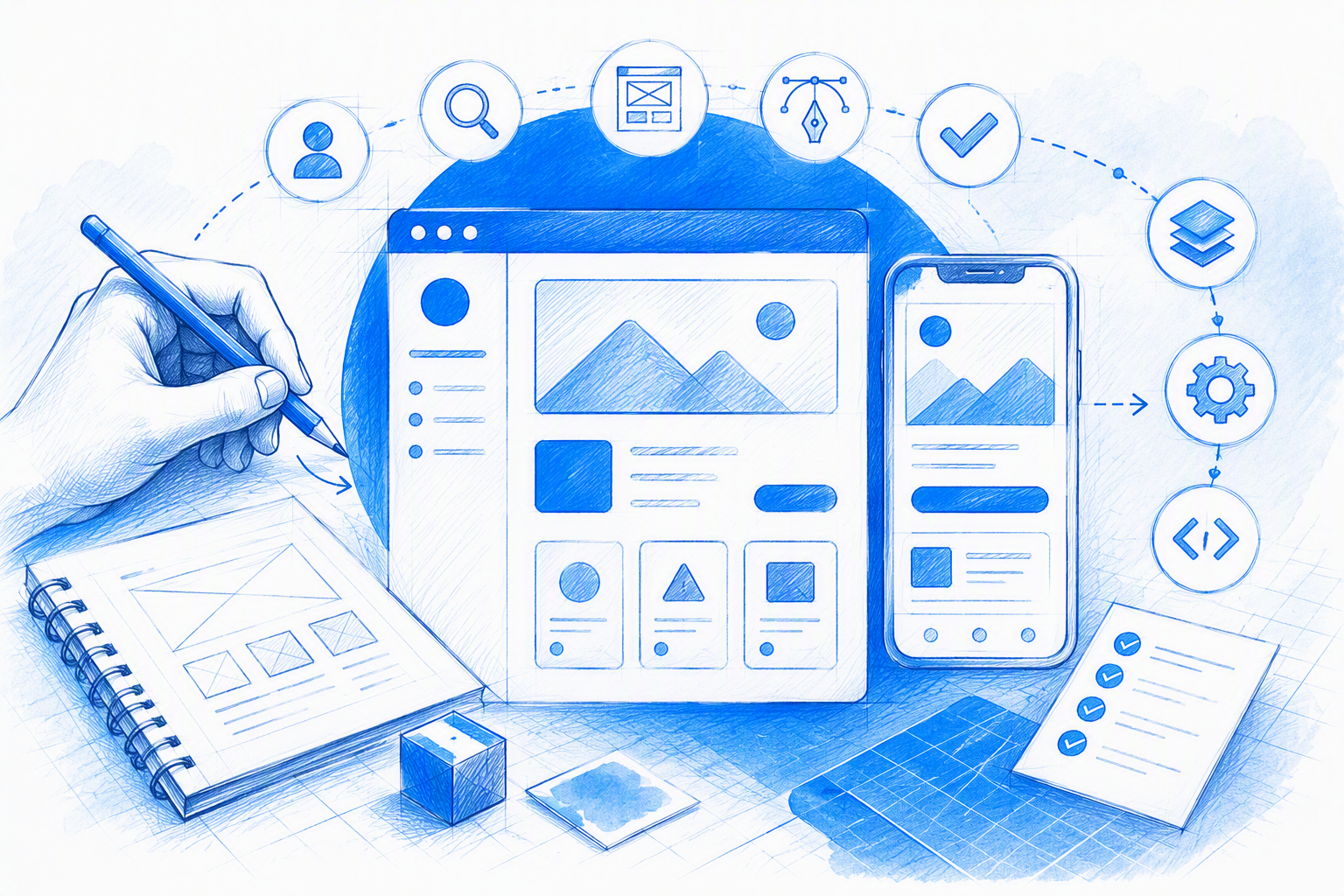
Implementation-ready design gives developers enough behavioural and system context to build with confidence. High-fidelity screens matter, but they are only one part of the package.
Useful deliverables clarify:
- Journeys, alternate paths, and system states
- Responsive priorities and content behaviour
- Accessible interaction expectations
- Component variants and reuse rules
- Technical constraints and open assumptions
- Motion, focus, validation, and keyboard behaviour
Journeys and states, not just ideal screens
A complete journey covers more than the happy path. It considers loading, empty, error, success, permission, validation, interruption, and recovery states.
We also design for realistic content, account roles, data volumes, and access conditions. Otherwise, developers end up making product decisions during implementation.
Responsive behaviour with explicit priorities
Responsive design is not a desktop screen squeezed into a smaller frame. Specifications should show what wraps, collapses, scrolls, reorders, resizes, or disappears at relevant breakpoints.
Dense software interfaces need particular care. Tables, filters, navigation, inputs, touch targets, and sticky actions all require deliberate behaviour.
Components with rules developers can use
Useful component specifications include variants, interaction states, tokens, accessibility expectations, and reuse logic. They explain both when to reuse a pattern and when a new solution is justified.
We prefer systems built from validated product patterns. Stable forms, navigation, feedback, and data-display components are more useful than a large library created before core journeys settle.
Interaction and implementation notes
Static screens cannot fully communicate focus movement, validation timing, keyboard controls, transitions, or sequencing. Concise notes and selective prototypes close the gap.
We use prototypes when motion or order affects understanding. Their job is to answer a production question, not decorate a presentation.
A connected engagement model from product problem to production
Our UX/UI design services process starts with the priority journey and its delivery risk, not a fixed stack of workshops. Validation and feasibility checks continue throughout the engagement.
A scope-first guide to UI and UX design services can help teams define their needs before comparing proposals.
Diagnose the journey most worth fixing
We combine stakeholder context, available product evidence, support patterns, behavioural signals, and focused user input to identify meaningful friction. Research should support a decision rather than become a detached exercise.
When a journey carries substantial uncertainty, user sessions or a clickable prototype can expose problems before significant development begins.
Resolve structure, interface, and constraints together
We move between flows, wireframes, visual direction, components, content, and technical realities as connected layers. A feasibility constraint can then influence the journey before the team invests in polished screens.
The process does not need to be perfectly linear. It needs to produce coherent, testable decisions.
Stay close through implementation
Real content, browser rendering, network behaviour, device constraints, and existing code often reveal details that design tools cannot simulate.
We review built states, clarify intended behaviour, and refine details where needed. Our goal is to preserve the experience, not police inconsequential pixel differences.
How this approach reduces rework and improves product outcomes
UX/UI design creates business value by shaping user and delivery behaviour. Clear flows and hierarchy can support activation, conversion, task completion, and product adoption, although design alone cannot guarantee those outcomes.
Predictable states and accessible components also reduce developer guesswork. The result is a more usable, testable foundation for measuring improvement.
Example: onboarding that supports activation
A polished signup flow may include attractive fields and a strong welcome screen. An implementation-ready flow also resolves step order, validation timing, interruption, progress feedback, mobile input, and failed-action recovery.
Those details affect whether people can complete onboarding under real conditions.
Example: a SaaS dashboard with real product states
A dashboard cannot be designed only with perfect data in a wide desktop frame. It also needs loading, empty, error, permission, overflow, focus, tablet, and mobile states.
Reusable patterns for feedback, navigation, forms, and data display help future features remain consistent. The system earns its value by reflecting real product behaviour.
Why AI makes connected product judgment more valuable in 2026
AI can speed up parts of interface production, but generating a screen is different from deciding which problem deserves attention or how a product should behave outside the ideal path.
We use AI to support synthesis, exploration, content variation, prototyping, and comparisons. We still apply product judgment, visual direction, user understanding, and accountability to the final work.
What AI can accelerate
Depending on the project, AI can support:
- Early interface exploration
- Feedback and research synthesis
- Provisional product copy
- Pattern and state generation
- Prototype creation
- Comparison of alternative directions
Faster production should leave more room for validation and refinement, not encourage teams to ship the first plausible interface.
What still requires accountable design judgment
Product trade-offs, accessibility, distinctiveness, technical fit, and the balance between user and business needs require informed oversight.
AI-generated output can provide options. It does not take responsibility for whether the resulting product is coherent, useful, or ready to ship.
Proof in practice: connecting UX, distinctive UI, and execution
Our work on UXMagic.ai reflects this connected approach. The task was not simply to present an AI capability. We needed to shape it into a product journey that people could understand and use.
From AI capability to a usable product journey
We considered what users needed to accomplish, how the interface should guide them, and where feedback or recovery was necessary. Journey priority, hierarchy, interaction logic, and product language had to work together.
Design close enough to execution to create impact
Clear flows established what should happen, while visual hierarchy made the next action easier to identify. Implementation awareness helped preserve that logic in the working product.
This combination is central to our approach to product design at amajaying.
When a senior independent designer is the stronger fit
Direct senior ownership can suit fast-moving teams, critical product journeys, limited internal design leadership, and products that need continuity from UX through implementation.
It works best when stakeholders can collaborate directly and share timely product and technical context.
Direct access to the person making the work
Our clients work directly with the designer exploring the problem and making product and interface decisions. Context does not need to pass through multiple account or delivery layers.
The person discussing a trade-off is also responsible for resolving it in the design.
Bangalore-based, product-minded, and execution-aware
Our Bangalore base supports close collaboration with local and distributed product teams. We combine UX thinking, contemporary UI craft, and frontend fluency in one decision loop, helping protect design intent during implementation.
FAQ
What are UI/UX design services?
They define how a digital product is structured, understood, used, and presented. Services may include research, journey design, information architecture, wireframes, UI design, prototypes, usability testing, accessibility guidance, component systems, and implementation support.
How much does a UX/UI designer cost?
Cost depends on scope, seniority, product complexity, engagement length, and implementation involvement. We recommend comparing proposals by the decisions covered, production readiness, collaboration model, and expected outcomes rather than screen count alone.
Is UI/UX still in demand in 2026?
Teams still need usable, accessible, and coherent digital products. The role is evolving as production tools improve, with greater emphasis on product judgment, visual craft, technical awareness, and the ability to guide work into production.
Is UI/UX being replaced by AI?
AI can generate layouts, variants, copy, summaries, and prototypes, but it does not independently own product trade-offs or delivery outcomes. Designers remain responsible for user needs, edge cases, accessibility, technical fit, and behavioural coherence.
What should developer-ready UI/UX deliverables include?
They should cover complete journeys, relevant states, responsive rules, component variants, accessibility expectations, realistic content, and interaction notes. Developers should not have to invent essential behaviour from isolated high-fidelity screens.
Bring implementation into the design conversation earlier
If a priority journey is underperforming, handoffs keep breaking, or the product feels too generic, start with that risk. Our practical UX/UI services selection guide covers service options, scope, deliverables, and hiring considerations.
Start with the product risk, not a predefined package
Share the priority journey, available evidence, technical context, and desired outcome with us. We’ll help define a focused UX/UI engagement that connects product thinking, distinctive interface design, and implementation awareness.