Chatbot UX design: A practical guide from intent to implementation
Learn how to create transparent, task-focused chatbot experiences, from intent and interface design to recovery, support, launch, and ownership. Read the guide.
By Ajay Khatri ·
TL;DR
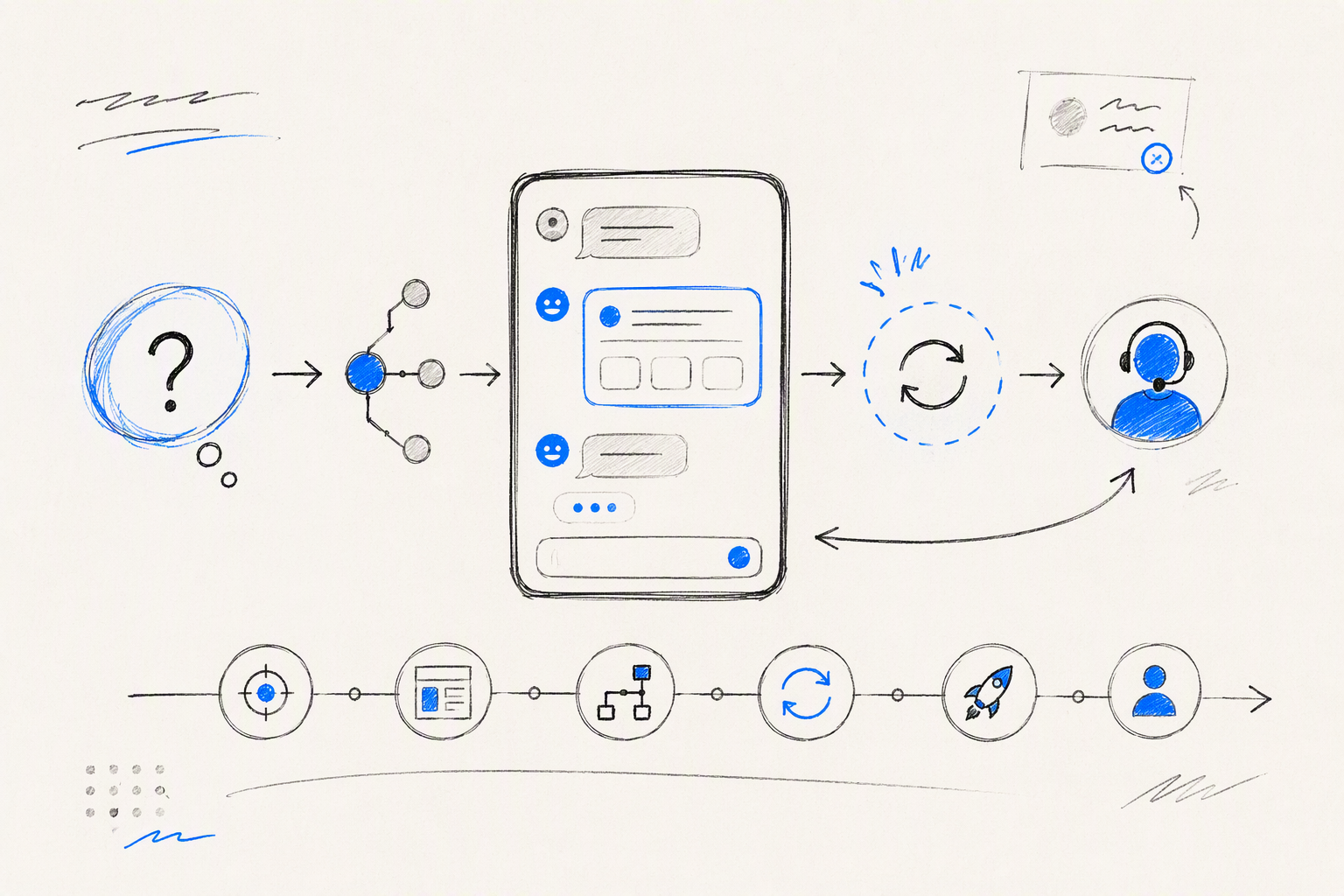
Effective chatbot UX design is transparent, controllable, and focused on helping people complete a task. We treat it as a product system that includes conversation flows, interface components, model behaviour, reliable data, failure recovery, human support, implementation, and post-launch ownership.
Table of Contents
- TL;DR
- Table of Contents
- What chatbot UX design includes
- Decide whether a chatbot is the right interface
- Our chatbot UX design process
- Chatbot UI anatomy beyond message bubbles
- Design first messages, failures, and human handoff
- Build trust without pretending the chatbot is human
- Design for accessibility, localisation, and screen size
- Prototype and build for unpredictable AI behaviour
- Measure whether the chatbot resolves the task
- Chatbot UX examples and an adaptable template
- FAQ
- Design a chatbot experience that earns trust
What chatbot UX design includes
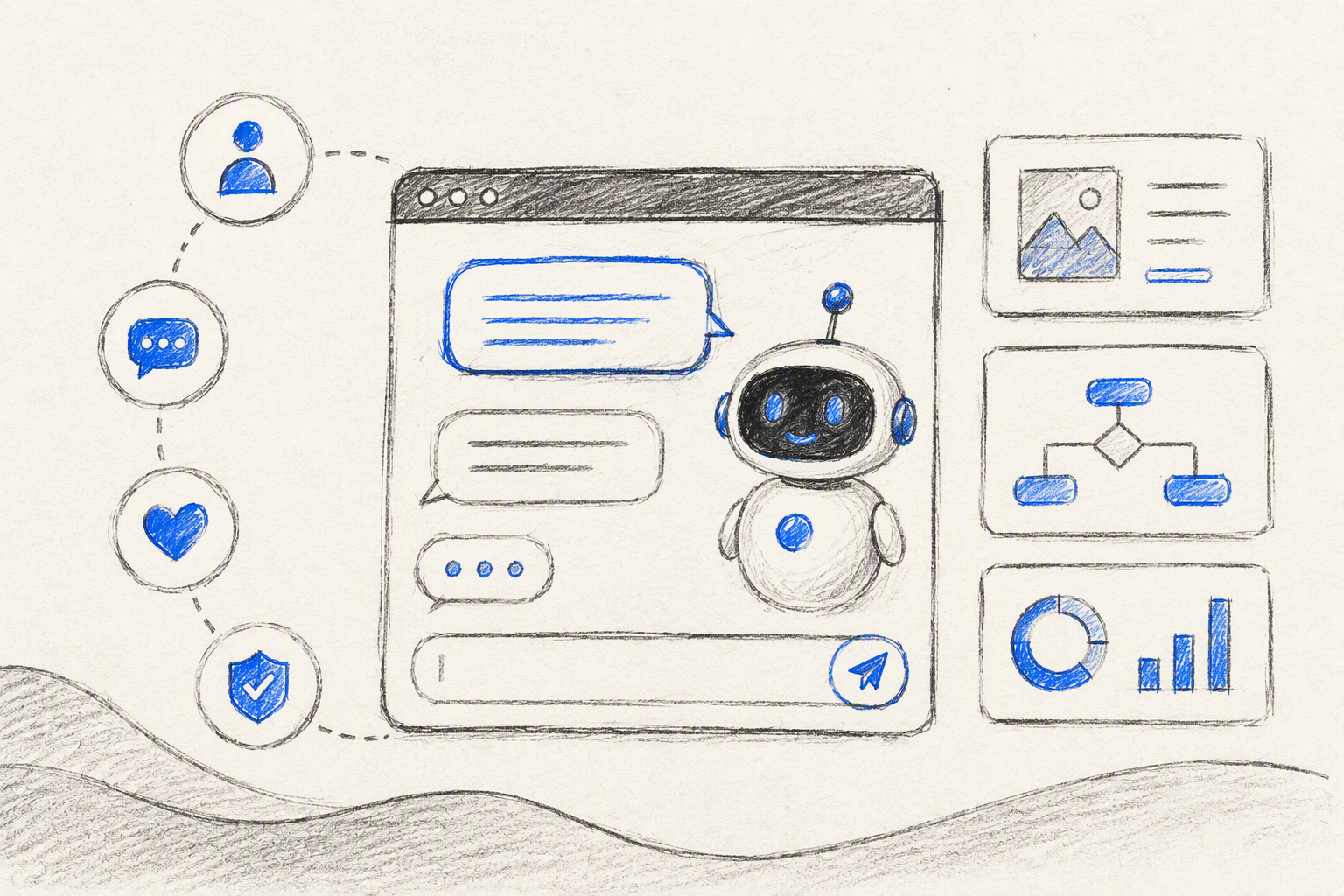 A chatbot can provide a correct answer and still create a poor experience. Problems often appear between the answer, its evidence, the available actions, and the recovery route when something fails.
Chatbot UX design covers:
- User jobs, intents, and required information
- Conversation flows and interface hierarchy
- Model behaviour and connected data
- Errors, uncertainty, and recovery
- Privacy, memory, consent, and trust
- Human escalation and service operations
- Analytics, governance, and ownership
A polished chatbot UI cannot compensate for unreliable information, unclear capabilities, or missing support routes. We design chatbots to communicate honestly as systems rather than imitate people.
Chatbot AI, ChatGPT, and rule-based automation
Chatbot AI can include rule-based decision trees, retrieval systems, generative models, ChatGPT-based products, or hybrids.
Each approach needs different controls. Deterministic transaction flows require strict validation. Generative assistants need clear disclosure, reliable sources, uncertainty handling, output testing, and safeguards against unsupported claims.
ChatGPT is one generative AI product. It is not synonymous with every chatbot, and its open-ended interface will not suit every service.
UX design versus chatbot UI design
Chatbot UI design covers visible elements such as buttons, cards, citations, loading indicators, history, and the message composer. Chatbot UX determines whether those elements create a reliable path to an outcome.
Our UI and UX design services scope follows the same principle: define what must work before deciding how it should look.
Decide whether a chatbot is the right interface
We do not treat chat as the automatic answer to adding AI. We first assess the task, its ambiguity, risk, required data, and need for human judgement.
Forms and guided workflows often suit predictable inputs. Chat can help when people need to describe complex situations, explore information, or ask follow-up questions.
Common formats include:
- Full-page chat: sustained or complex tasks
- Embedded widget: contextual support in limited space
- Mobile chat: short interactions with persistent actions
- Messaging platform: familiar access within platform constraints
- Voice: hands-free interaction that may be harder to review
A hybrid approach can combine structured questions with free text when predefined choices are not enough.
A practical modality decision matrix
We assess task predictability, error consequences, input complexity, urgency, accessibility, and the need for human judgement.
The best interface is usually the simplest one that completes the task reliably. If a short form can collect known information safely, an open text box may add needless ambiguity.
Deterministic, generative, or hybrid flows
Deterministic flows suit transactions, identity checks, and known decision trees. Generative responses are better suited to explanation, synthesis, and exploration.
Hybrid flows combine conversational flexibility with controlled execution. A model might explain an account issue, while balances, payment details, and actions come directly from authoritative systems.
Our chatbot UX design process
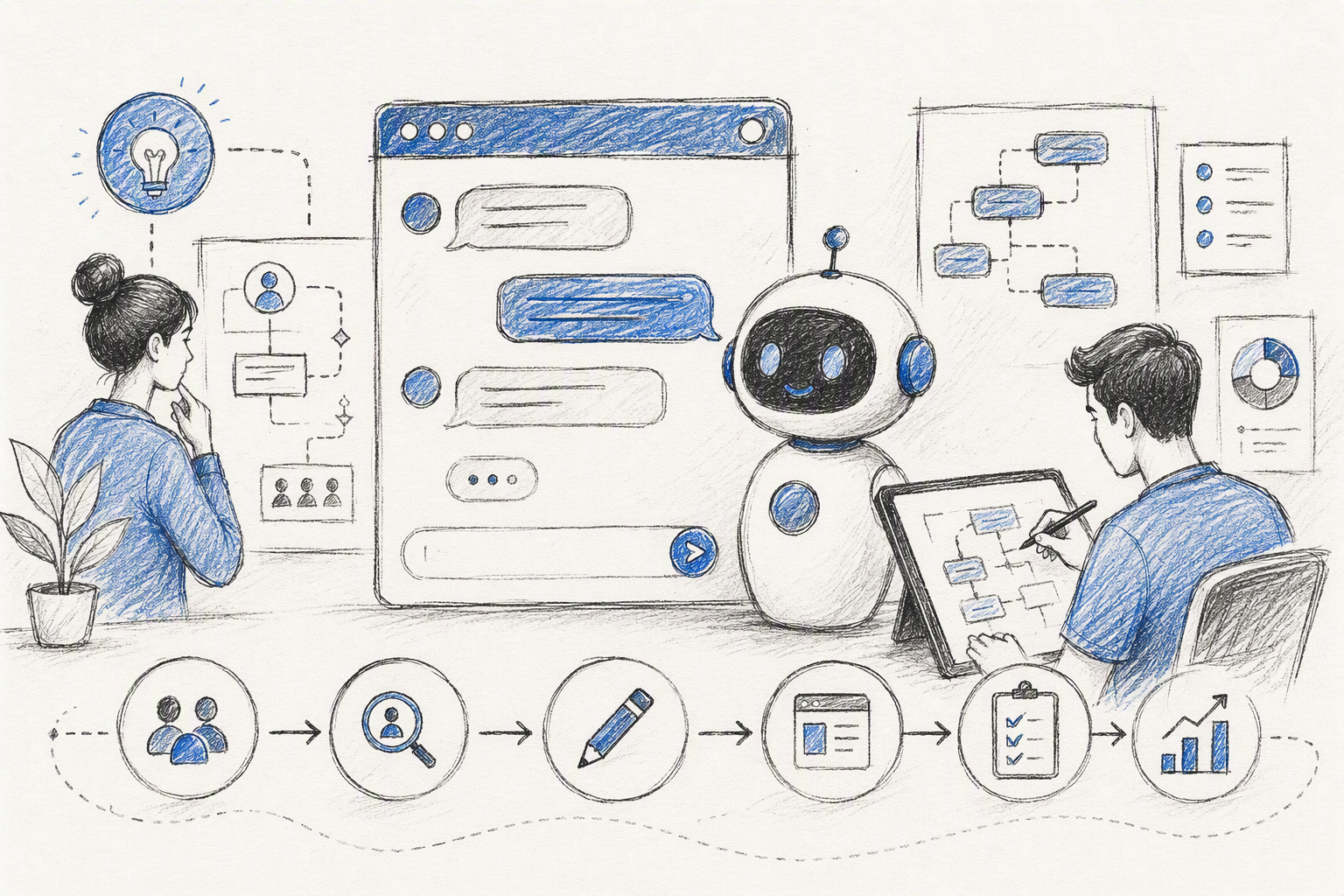 Our process moves through discovery, intent mapping, content modelling, flow design, wireframes, variable prototypes, testing, implementation, and monitoring. It follows an end-to-end UI UX design service workflow, not a standalone copy exercise.
AI can help us cluster research, generate test utterances, and explore edge cases. It cannot replace validation, accessibility expertise, ethical judgement, or accountability.
Map jobs, intents, entities, and risk
For each user job, we document the intended outcome, likely phrasings, required inputs, service dependencies, consequences of error, and suitable escalation route.
We also separate supported, unsupported, sensitive, and escalation-required intents. This keeps the interface from promising capabilities the product cannot deliver safely.
Design the happy path and recovery together
Every main flow needs states for ambiguous input, missing information, refusal, timeout, integration failure, abandonment, and changed intent.
We consider a flow incomplete until people can correct information, retry safely, choose another route, or reach a person without starting again.
Move from wireframes to implementation rules
Our wireframes annotate response types, data sources, memory behaviour, loading states, focus management, analytics events, and escalation logic.
A build-ready product design process gives engineering behaviour rules, states, and reusable components—not just static screens.
Chatbot UI anatomy beyond message bubbles
A useful chatbot interface may include an empty state, prompt suggestions, structured inputs, response cards, citations, persistent actions, history, and system-status messages.
The opening screen should explain the chatbot’s purpose, suggest suitable tasks, state relevant limitations, and discourage sharing unnecessary sensitive information.
Composer, prompts, and structured input
Prompt suggestions should demonstrate supported tasks. “Ask me anything” often overstates a chatbot’s scope.
Menus, chips, uploads, date pickers, and compact forms can reduce effort. We use open input when it offers more value than structured selection.
Response cards, citations, and actions
Components should match the content. Transactions need status and confirmation; troubleshooting needs ordered steps; recommendations need rationale and editable preferences.
Citations should help people inspect and verify information rather than act as decorative trust signals.
History, status, and control surfaces
Useful controls include edit, retry, stop, reset, delete, and manage remembered context. Visible system status is clearer than fake typing indicators or manufactured delays.
Design first messages, failures, and human handoff
A strong first message explains what the chatbot can do, gives examples, states key boundaries, and discloses AI involvement.
Flows should account for paraphrases, interruptions, changed goals, and multi-intent requests. Fallbacks should clarify, narrow the options, preserve existing input, and offer another route.
Failure states that need separate designs
We define distinct responses for misunderstood intent, missing information, stale data, timeouts, integration failures, unsafe requests, and unsupported tasks.
Each response needs an honest explanation and a useful next step.
Streaming, latency, retry, and cancellation
AI interfaces benefit from immediate status feedback, cancellation, and safe retry controls. Streaming should improve responsiveness without exposing confusing fragments.
When an integration fails, unaffected functions should remain available where technically possible.
Context-preserving escalation
We treat human handoff as a valid route for risky, emotional, or ambiguous situations.
With appropriate consent, the transfer can include the transcript, detected intent, collected details, and attempted steps. People should be able to review that summary before it reaches an agent.
Build trust without pretending the chatbot is human
Trust comes from understandable behaviour. We disclose AI involvement, relevant limitations, data use, and whether information is generated or verified.
Separate generated content from verified data
Verified records should look different from generated explanations. Source labels and timestamps can clarify where information originated.
Consequential actions should include confirmation using authoritative values.
Memory, privacy, and user agency
People should know what the system remembers during a conversation, retains across sessions, or shares with connected services.
We recommend controls for inspecting and correcting remembered information, resetting sessions, opting out of persistent memory, and deleting stored conversations.
Response length should serve the decision
We lead with the answer or recommended action, then provide evidence and secondary detail where needed. More generated text does not automatically improve the experience.
Design for accessibility, localisation, and screen size
Responsive chatbot design requires more than shrinking a desktop panel. Each format needs an appropriate composition built on consistent conversation logic.
Accessible dynamic conversations
We design for keyboard navigation, visible focus, screen readers, text resizing, contrast, reduced motion, and status cues that do not rely on colour alone.
Dynamic updates need controlled announcements so assistive technology communicates progress without reading every streamed fragment.
Responsive patterns by form factor
Mobile interfaces may use compact cards and persistent actions. Desktop layouts can add history, evidence, or task context without fragmenting the conversation.
Localisation-ready conversation design
Localisation includes regional phrasing, text expansion, right-to-left layouts, dates, currencies, code-switching, and local conventions. Language limitations must also be clear in fallback and escalation routes.
Prototype and build for unpredictable AI behaviour
Fixed transcripts hide variable AI output. Our prototypes use response banks, facilitator-controlled variation, or model-connected behaviour.
Prototype variable outputs, not one polished script
We test paraphrases, contradictory context, unavailable tools, harmful prompts, delays, and changed goals. We also observe how easily people can correct misunderstandings and verify claims.
Frontend architecture for dynamic responses
We separate message data, presentation components, and action logic. Response schemas define supported content types and rendering rules for cards, citations, loaders, errors, confirmations, and escalation.
Red-team and edge-case testing before launch
Testing should cover prompt injection, unsupported claims, bias, sensitive-data exposure, unsafe advice, inaccessible behaviour, and broken escalation. Teams also need documented limitations and an incident process.
Measure whether the chatbot resolves the task
We prioritise task completion, correction effort, time to resolution, repeat contact, and escalation quality over conversation length alone.
A practical chatbot UX scorecard
Metrics may include fallback, abandonment, unresolved sessions, retries, handoffs, source interactions, and repeat contacts. We pair this data with privacy-conscious research, feedback, and support insight.
Why deflection can mislead
A low handoff rate may indicate success, abandonment, or inaccessible support. We assess whether people reach a resolution and whether agents receive enough context to help.
Create a post-launch ownership loop
Named owners should cover content, model behaviour, analytics, integrations, support feedback, legal review, and incident response. Production findings then inform future flows, prompts, components, and policies.
Chatbot UX examples and an adaptable template
We review chatbot experiences by user goal, hierarchy, trust, recovery, accessibility, and build feasibility—not visual appeal alone.
Example critique: support assistant
A support assistant should keep verified records, generated guidance, escalation, and privacy controls distinct. Success means resolving the issue while making the answer’s authority clear.
Example critique: guided recommender
A recommender can begin with structured choices before accepting free-text detail. Recommendations should explain their rationale and let people edit criteria without restarting.
Adaptable chatbot UX flow template
For each flow, document the trigger, intent, sample utterances, required entities, response, evidence, actions, failure states, handoff, and analytics events.
FAQ
How is AI used in UX design?
We use AI for research synthesis, intent clustering, content variation, edge-case generation, and prototyping. Designers remain responsible for validation, accessibility, safety, and outcomes.
How do we make an AI chatbot?
We define its job, choose the interaction model, map intents and risks, connect reliable data, design recovery, test variable outputs, and monitor production.
Are AI chatbots legal?
Requirements depend on jurisdiction, sector, data practices, and use case. Regulated or high-risk implementations require qualified legal advice.
Is chatbot AI the same as ChatGPT?
No. Chatbot AI includes rule-based, retrieval-based, generative, and hybrid systems. ChatGPT is one generative AI product.
What are the most important chatbot UX practices?
Give the chatbot a specific job, disclose AI involvement, separate verified and generated information, design recovery early, preserve handoff context, and measure task resolution.
Design a chatbot experience that earns trust
For chatbot strategy, interface design, responsive components, and implementation-ready specifications, work with amajaying.com.