Graphic design portfolio: How to prove craft, thinking, and product impact
Build a graphic design portfolio that highlights craft, strategic thinking, product decisions, and measurable impact. Learn what to include and get started.
By Ajay Khatri ·

TL;DR
The best graphic design portfolio is not the one with the most polished mockups. It is the one that makes capability, decisions, individual contribution, and value easy to understand. We recommend a focused selection of relevant case studies, clear constraints and trade-offs, realistic product states, and credible outcomes over a large gallery of unexplained work.
Table of Contents
- TL;DR
- What a graphic design portfolio should prove
- Graphic design portfolio examples: How to evaluate them through a hiring lens
- Three relevant projects beat six generic case studies
- Structure a graphic design portfolio for fast scanning
- Build case studies around decisions, not decoration
- Make individual contribution impossible to misread
- Show the product beyond the perfect desktop screen
- Portfolio website, PDF, Issuu, or template? Choose for the audience
- A final graphic design portfolio checklist for hiring-ready proof
- FAQ
- Create a clearer case for hiring you
What a graphic design portfolio should prove

Another beautiful graphic design portfolio. Another search for evidence that the designer can solve a real product problem.
A portfolio’s purpose is not to preserve every piece of work. It should help the right company understand the designer’s capability, relevance, and point of view well enough to decide what happens next.
Aesthetic quality matters, but polish alone cannot explain whether a designer understood the audience, navigated constraints, considered alternatives, or improved the final product. An attractive screen shows taste. A professional portfolio should also show judgment.
We look for six signals:
- Context: What product, audience, or business situation shaped the work?
- Constraints: What limits made the problem difficult?
- Decisions: What options were considered, and why did one direction win?
- Contribution: What did the designer personally lead, support, or implement?
- Execution: How did the concept become a coherent, usable system?
- Outcomes: What shipped, changed, improved, or became easier to understand?
Visual craft and usability are not competing priorities. A distinctive interface can still be accessible, responsive, technically realistic, and clear under pressure. In our experience, strong portfolios show how those qualities support one another.
This matters when reviewing hybrid work. Our guide to product designer portfolio examples that are genuinely hireable explains why finished screens become more persuasive when the thinking behind them is visible.
Polish earns attention; evidence earns trust
A polished hero image can create interest. It cannot establish what the brief required, whether the concept survived implementation, or whether the designer solved the right problem.
Isolated mockups leave hiring teams to fill in important blanks:
- Was this a real product or a speculative exercise?
- Did the designer define the flow or style an existing wireframe?
- Were accessibility and responsive behaviour considered?
- Which elements shipped?
- What changed as a result?
Concise annotations can answer these questions without turning a case study into a report. A caption beside an onboarding screen might explain that the team needed to reduce friction while preserving mandatory compliance steps. Another could show why progressive disclosure was chosen instead of removing required information.
That context changes how we evaluate the screen. It becomes evidence of a reasoned response, not just an attractive composition.
A portfolio is a decision tool, not an archive
Every project should support the role, client, or challenge the designer wants next. If a piece adds no relevant evidence, it creates more work for the visitor without strengthening the case.
Before including a project, we recommend asking: What does this prove that the other projects do not? The answer might be product strategy, brand-system thinking, information design, complex workflow design, responsive implementation, or cross-functional collaboration.
Remove projects that repeat the same signal. A smaller, deliberate collection makes the designer’s point of view easier to recognise and gives each case study room to be understood.
Graphic design portfolio examples: How to evaluate them through a hiring lens
Many collections of graphic design portfolio examples work as inspiration galleries. They show attractive typography, layouts, campaigns, identities, and mockups, but rarely ask whether the work gives a hiring team enough evidence to act.
We prefer a hiring lens. Instead of asking only whether a portfolio looks impressive, check whether each project makes these details easy to find:
- The problem and intended audience
- The designer’s precise role
- The team and collaboration model
- The constraints shaping the work
- The important design decisions
- The execution across relevant formats
- The result and supporting evidence
An award-winning portfolio may demonstrate exceptional conceptual or visual craft. An advertising portfolio may show art direction, campaign consistency, and command of attention. Those are valuable strengths, but they do not automatically prove depth in digital product design.
Product work raises further questions. Can the designer handle changing content, edge cases, accessibility, interactive states, responsive layouts, reusable components, and implementation trade-offs? A hiring team should not have to infer those capabilities from campaign imagery.
Distinctive work should reveal a point of view without sacrificing clarity. That might appear in expressive type, unusual composition, sharp editorial pacing, or a thoughtful connection between brand and interaction. The visual choices should support the product rather than decorate its presentation.
The seven-signal portfolio scorecard
We use seven signals to evaluate creative portfolios consistently:
- Relevance: Does the work resemble the role’s challenges, users, or environment?
- Clarity: Can we identify the problem and result without decoding a long narrative?
- Ownership: Is personal responsibility separated from the team’s output?
- Decision logic: Are key choices tied to evidence, constraints, or trade-offs?
- Craft: Are typography, composition, interaction, content, and details resolved?
- Implementation awareness: Does the solution account for responsive behaviour, states, systems, and technical reality?
- Credible impact: Are outcomes specific, defensible, and appropriately attributed?
Begin with a quick scan of the positioning, project previews, role labels, and outcomes. If those signals are relevant, continue to the full case studies.
Our breakdown of product design portfolios that pass the 30-second hiring scan offers a detailed framework for that initial review. The first scan should create informed interest; the deeper review should support the claims it introduced.
Red flags behind beautiful mockups
Strong presentation can conceal weak evidence. Warning signs include:
- Context-free device renders
- Redesigns that ignore business or technical constraints
- Repeated page layouts presented as separate capabilities
- Placeholder copy that avoids difficult content conditions
- Unsupported claims about conversion, engagement, or growth
- Desktop-only views of a supposedly responsive experience
- Process imagery with no connection to a decision
Look beyond the hero composition. Real content, edge cases, component behaviour, and constraints reveal whether a design can operate outside a controlled mockup.
A product case study may need to show what happens when data is missing, a request fails, text expands, a user lacks permission, or the screen becomes narrow. These details are less dramatic than a device render, but they provide stronger evidence of product depth.
Three relevant projects beat six generic case studies
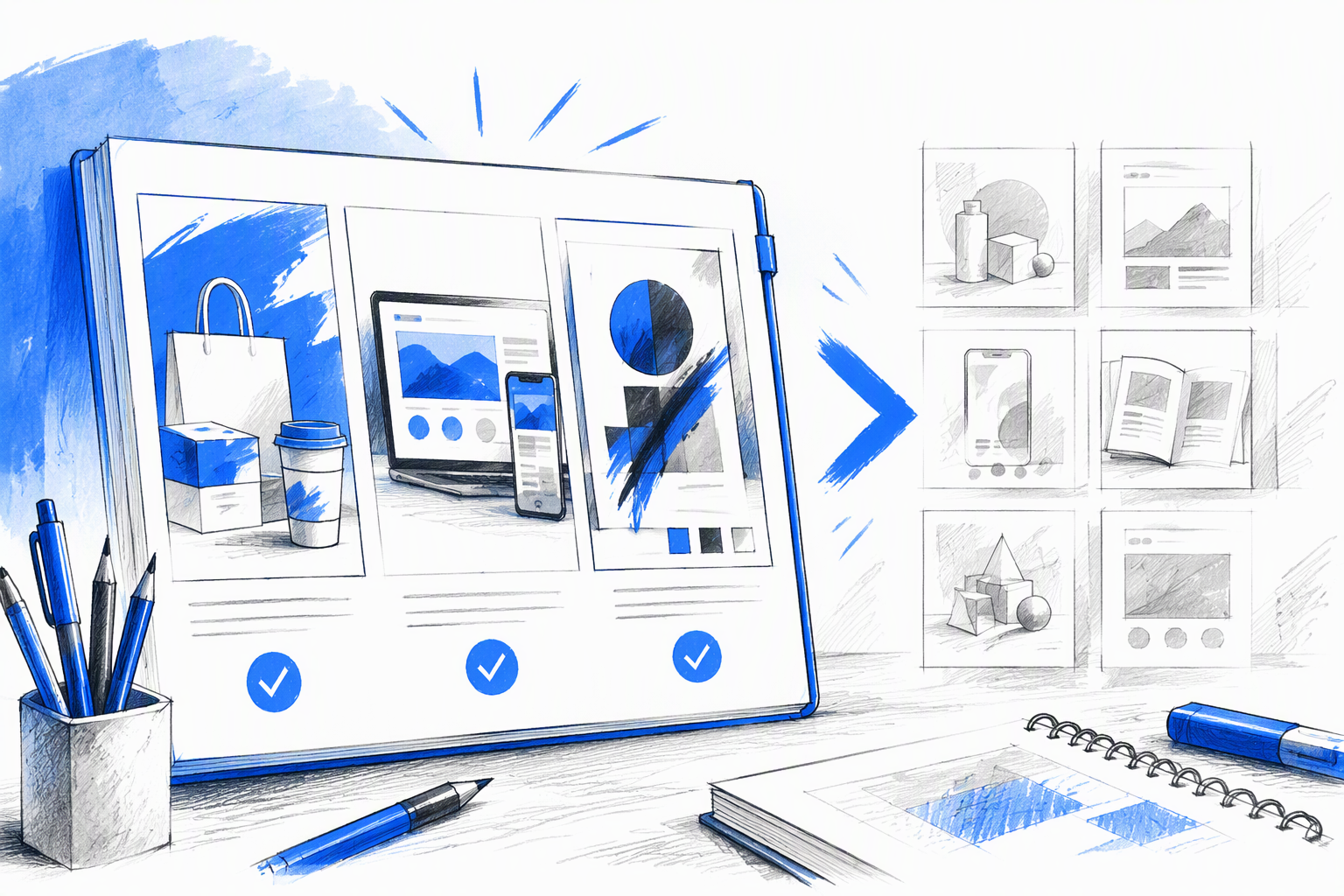
A few rigorous, relevant projects are often stronger than a larger collection of loosely explained work. The aim is not to reach an arbitrary count. It is to present varied evidence for the intended opportunity.
Each project needs a clear job. If every case study shows a visual identity applied to similar screens, the portfolio may prove consistency but reveal little about workflows, responsive behaviour, or implementation.
Place the most relevant project first rather than defaulting to chronology. A founder hiring for a complex software product should not need to pass several unrelated campaigns before finding the workflow project that matters.
A focused three-project portfolio could cover:
- A complex workflow requiring UX judgment
- A brand-to-product system requiring distinctive visual craft
- A responsive experience requiring implementation awareness
Smaller experiments can sit in a compact secondary gallery when they add range or demonstrate a focused skill without requiring a full case study.
A practical three-project mix
Project one: A complex UX or workflow problem
Choose work involving competing user needs, difficult information architecture, or a high-friction flow. For example, show how onboarding was simplified while preserving compliance requirements that could not be removed.
Explain the original friction, fixed constraints, chosen approach, and result. Annotated journey changes are more useful than generic workshop photography.
Project two: A brand-to-interface system
Show how visual identity becomes functional product language. Connect typography, colour, imagery, tone, spacing, iconography, and motion to interface hierarchy and behaviour.
The project should prove that brand expression can remain coherent across screens, components, and changing content. It should not depend on one ideal composition.
Project three: A responsive, implementation-aware experience
Demonstrate how the design behaves across desktop, tablet, and mobile. Explain component decisions, priority changes, interaction adaptations, and frontend constraints.
This project is particularly useful for hybrid roles because it connects concept to delivery. For an example of how these signals work together, see our practical product design portfolio review.
What to leave out
Remove work that weakens relevance or confidence, including:
- Dated projects that no longer represent current standards
- Repetitive projects proving the same capability
- Speculative redesigns with no realistic constraints
- Work that cannot be explained clearly
- Projects with ambiguous ownership
- Experiments included only to increase volume
Speculative work is not inherently weak. It becomes unconvincing when the designer invents an easy problem, ignores operational reality, and presents an attractive solution as validated product work.
Keep process experiments when they reveal a meaningful skill or choice. Process earns space by explaining the work, not by proving that activity occurred.
Structure a graphic design portfolio for fast scanning
A graphic design portfolio should support rapid qualification before deep reading. The homepage needs to communicate positioning, capabilities, selected work, location, and a clear contact path.
Project cards should help a hiring manager choose the right case study without opening everything. A useful card can state:
- Product or client
- Business or user problem
- Individual role
- Project category
- One important challenge or outcome
Use concise headlines, summaries, and evidence-led captions. Long introductions delay the proof, while vague project names hide relevance.
Navigation should remain predictable. Visual expression belongs in typography, transitions, composition, and storytelling—not in making visitors guess how to access work or return home.
The 30-second homepage scan
The opening section should answer:
- Who is this designer?
- What do they design?
- Where are they based?
- What value do they bring?
- Which project should we open?
- How can we contact them?
For a Bangalore-based hybrid creative, a strong positioning statement might identify product design, UI craft, brand thinking, and frontend awareness without becoming a list of software tools.
Surface selected projects with a role, category, and meaningful result or challenge. “Designed a dashboard” says little. “Reframed a dense operations workflow into a responsive decision system” gives the reader something specific to investigate.
The homepage does not need every detail. Its job is to make the next click obvious.
The two-minute project scan
Open each project with a compact summary covering:
- The brief or problem
- The audience
- Personal contribution
- Team composition
- Timeline
- Important constraints
- Outcome or shipped scope
Use descriptive section headings. “Reducing onboarding friction without removing compliance steps” is more useful than “The process.”
Captions should carry evidence too. Someone scanning only the headings, visuals, and captions should still understand the case study’s argument. We treat portfolio storytelling as information architecture: it needs hierarchy, pacing, and clear routes through complexity.
Build case studies around decisions, not decoration
A strong graphic design portfolio case study follows a compact narrative:
- Problem
- Constraints
- Options
- Decisions
- Execution
- Outcome
This structure keeps the story focused on judgment. It avoids both a gallery with no reasoning and a process diary containing every artifact produced.
Include process material when it clarifies a turning point. A rough flow can show how the team reorganised a difficult task. A component comparison can explain why one direction improved hierarchy. A testing note can show why an interaction changed.
Brand decisions should also connect to product behaviour. If a visual system uses bold editorial typography, show how it handles dense interfaces and smaller screens. If motion communicates energy, explain how it provides feedback or orientation.
Problem, constraints, and stakes
Describe the user and business need directly. Avoid turning an ordinary interface update into a transformational mission.
A useful opening might state that users were leaving a complex onboarding flow while the company still needed to collect regulated information. That establishes tension without exaggeration.
Then identify the limits shaping the solution:
- Existing technology or design systems
- Delivery time
- Content quality or availability
- Accessibility requirements
- Brand equity that needed preservation
- Stakeholder expectations
- Regulatory or operational requirements
Constraints make decisions legible. Without them, the final design can seem arbitrary.
Decisions and trade-offs
Explain what changed, which alternatives were considered, and why the chosen approach was selected. Useful formats include:
- Annotated user flows
- Component comparisons
- Before-and-after hierarchy
- Alternative concepts with brief evaluations
- Content-priority diagrams
- Responsive behaviour comparisons
Avoid a wall of sticky notes unless a particular cluster changed the outcome. Volume is not evidence of rigour.
A decision statement should connect cause and effect: “We kept required questions in the flow but grouped them by user intent, introduced progress cues, and deferred optional setup until after account creation.”
For more guidance, our article on building product design case studies hiring teams trust focuses on evidence rather than decorative process.
Outcomes without invented metrics
Use metrics only when the source is reliable and the relationship to the design is credible. A percentage without a baseline, timeframe, sample, or attribution does not strengthen a case study.
When commercial numbers are confidential or unavailable, credible outcomes can include:
- Shipped scope
- Findings from usability sessions
- Stakeholder adoption
- Reduced support ambiguity
- Fewer implementation inconsistencies
- Approved design-system components
- Improved content clarity
- Successful handoff and release
- Follow-up changes informed by real use
Be precise about causality. Design may contribute to a business result without being its sole cause. Honest limits build confidence.
Make individual contribution impossible to misread
Every project should state the designer’s role and scope near the beginning. “We redesigned the experience” does not explain who conducted research, defined the flow, created the interface, developed the identity, or wrote the frontend.
Separate ownership across relevant areas:
- Research
- Product strategy
- Information architecture
- Branding
- UX and UI design
- Prototyping
- Content design
- Frontend implementation
Crediting collaborators makes personal contribution more believable and demonstrates mature teamwork. Clarify which ideas shipped, which remained exploratory, and which changed after handoff.
Use a contribution map
A contribution map replaces a vague “we” with precise labels:
| Area | Contribution |
|---|---|
| UX strategy | Led |
| User research | Co-created with researcher |
| Visual identity | Supported brand designer |
| Interface design | Led |
| Prototype | Implemented |
| Frontend | Partnered with engineering |
| Usability testing | Observed and synthesised |
Labels such as led, co-created, supported, and implemented make scope clear. Add team composition and decision authority when they affected the result.
Hiring a designer is a scope decision as much as a style decision. Our perspective on finding a product designer who can actually ship explains why ownership and delivery awareness matter.
Connect hybrid skills instead of listing them
A list of UX, UI, branding, and frontend skills says little about how those capabilities work together. Projects should show how:
- Brand principles shaped interface character
- UX priorities shaped visual hierarchy
- Content needs shaped component structure
- Accessibility affected colour and interaction choices
- Code constraints changed responsive behaviour
- Prototyping exposed weaknesses before handoff
- Frontend awareness preserved implementation quality
Frontend fluency matters when it improves feasibility, communication, performance, component logic, or execution. Visual craft should likewise be integrated into the product’s behaviour rather than added as a surface layer.
Show the product beyond the perfect desktop screen
A digital design portfolio should treat mobile and responsive behaviour as part of the solution, not as a final gallery slide. A compressed homepage mockup does not prove that the system works.
Where relevant, show states such as:
- Loading
- Empty
- Error
- Validation
- Permission restrictions
- Success
- Partial data
- Long content
- Disabled actions
- Interrupted behaviour
These states reveal whether the design can handle uncertainty. They also demonstrate collaboration across design, content, engineering, product, and accessibility.
Responsive evidence that matters
Do more than place three device frames together. Explain what changes and why. Show which elements:
- Reflow into a new order
- Collapse into progressive disclosure
- Change visual priority
- Move into persistent navigation
- Adapt for touch input
- Simplify without losing essential information
A data table might become prioritised cards on mobile instead of shrinking into illegibility. A complex sidebar might become a filter sheet that preserves task focus.
Responsive design is not uniform scaling. It involves content and interaction decisions shaped by available space and user context.
Implementation-aware craft
When relevant, explain reusable components, design tokens, motion behaviour, breakpoints, and handoff decisions. Useful evidence includes:
- Component variants and usage rules
- Token-based colour, type, and spacing
- Motion principles for feedback and transitions
- Content limits and fallback behaviour
- Accessibility acceptance criteria
- Frontend adjustments made during implementation
Coded execution should not appear as an unrelated technical exercise when it improves the design. At amajaying.com, we connect UX thinking, UI craft, brand expression, and frontend awareness because product quality depends on how those layers meet.
Portfolio website, PDF, Issuu, or template? Choose for the audience
A personal portfolio website is usually the strongest primary format for interactive, responsive, product-focused work. It can demonstrate live behaviour, adapt across devices, support direct links, and evolve with new projects.
A concise PDF works well as a tailored application attachment or leave-behind, although it cannot fully demonstrate responsive interfaces or live interaction.
Issuu can suit editorial presentations and page-based narratives. However, it adds a hosted platform between the visitor and the work and offers limited evidence of responsive product thinking.
A template can accelerate the build, particularly when time or development resources are limited. Evaluate any template against four criteria:
- Usability
- Performance
- Customisation depth
- Mobile behaviour
A clean template is a foundation, not a finished identity.
When a template helps
Templates can provide accessible navigation, responsive foundations, content management, and simpler publishing. They reduce the need to rebuild standard infrastructure.
Treat the template as scaffolding. Preserve reliable behaviour, then customise the typography, hierarchy, colour, spacing, motion, and project structure around the work.
When a template weakens the work
A template becomes a liability when its identity is more recognisable than the designer’s. Watch for:
- Default typography and colour
- Repetitive project layouts
- Weak mobile behaviour
- Generic animation presets
- Effects that delay access
- Identical pacing across unrelated projects
- Navigation built around the template rather than the audience
Customisation should support the portfolio’s argument. Different projects can use different storytelling tools while remaining part of one coherent system.
A format decision matrix
| Format | Discoverability | Tailoring | Interactivity | Responsiveness | Maintenance |
|---|---|---|---|---|---|
| Personal website | Strong | Moderate | Strong | Strong | Ongoing |
| Limited | Strong | Limited | Fixed | Simple | |
| Hosted publication | Platform-dependent | Moderate | Limited | Platform-dependent | Simple |
We recommend using the website as the source of truth, with shorter PDFs or hosted presentations for specific applications, meetings, or editorial contexts.
A final graphic design portfolio checklist for hiring-ready proof
Before publishing, review the portfolio through the questions a founder, hiring manager, or product team may ask.
Positioning and selection
- Is the designer’s discipline, location, and value clear?
- Are the most relevant projects shown first?
- Does every project add distinct evidence?
- Is there a visible contact path?
Case-study credibility
- Is the product problem clear?
- Are audience and business needs identified?
- Are meaningful constraints explained?
- Is individual contribution separated from team output?
- Are decisions and trade-offs visible?
- Are outcomes credible and qualified?
Digital execution
- Does the work show responsive behaviour?
- Are realistic states included?
- Are accessibility and content flexibility considered?
- Is implementation thinking visible?
- Does the mobile presentation match the desktop standard?
Portfolio quality
- Do navigation and links work?
- Are typography and contrast readable?
- Do pages load efficiently?
- Is keyboard navigation supported?
- Has the work been tested on real devices?
- Is the contact route obvious?
Remove unsupported metrics, generic claims, decorative process artifacts, and projects that dilute relevance. Every remaining element should help the visitor understand what the designer can contribute.
The 30-second test
Ask someone unfamiliar with the work to scan the homepage briefly. Then check whether they can answer:
- What does this designer do?
- Where are they based?
- Which project is relevant?
- What did they contribute?
- How can we contact them?
If the reviewer remembers only colours or animation, the portfolio needs stronger qualification signals.
The credibility test
Review every claim and identify the evidence behind it. Clarify personal contribution and be prepared to explain the trade-offs behind the final direction.
Test the mobile portfolio as carefully as the desktop version. Check type scale, image loading, navigation, diagrams, captions, tap targets, and contact forms on real devices.
A professional portfolio should model the standard of work it claims to deliver. Credibility comes from alignment between the story, the evidence, and the experience itself.
FAQ
What should a graphic design portfolio include?
A graphic design portfolio should include clear positioning, selected projects, concise case studies, individual contribution, constraints, key decisions, execution details, and credible outcomes. Digital work should also demonstrate responsive behaviour, realistic states, accessibility awareness, and relevant implementation context.
How many projects should be in a graphic design portfolio?
There is no universal number. We often recommend three rigorous projects when each proves a different capability, such as complex UX thinking, a brand-to-interface system, or responsive implementation. Add more only when they provide new evidence.
Should a graphic design portfolio be a website or PDF?
A website is usually the strongest primary format for interactive and product-focused work. A concise PDF works well as a tailored attachment or leave-behind. We recommend maintaining the website as the source of truth and adapting shorter versions for specific opportunities.
What makes a graphic design portfolio case study credible?
A credible case study explains the problem, constraints, personal role, decisions, execution, and outcome. It distinguishes shipped work from exploratory concepts and credits collaborators. Verified metrics can help, but shipped scope, testing findings, implementation quality, and other documented outcomes can also provide useful evidence.
Can a graphic design portfolio use a template?
Yes. A template can provide accessible navigation, responsive foundations, and faster publishing. Customise its typography, hierarchy, pacing, interactions, and case-study structure so the finished portfolio reflects the designer’s point of view.
Create a clearer case for hiring you
If your product needs a designer who can connect UX strategy, distinctive UI craft, brand expression, and implementation reality, explore our product design and fullstack creative work and start a conversation about the experience you want to build.